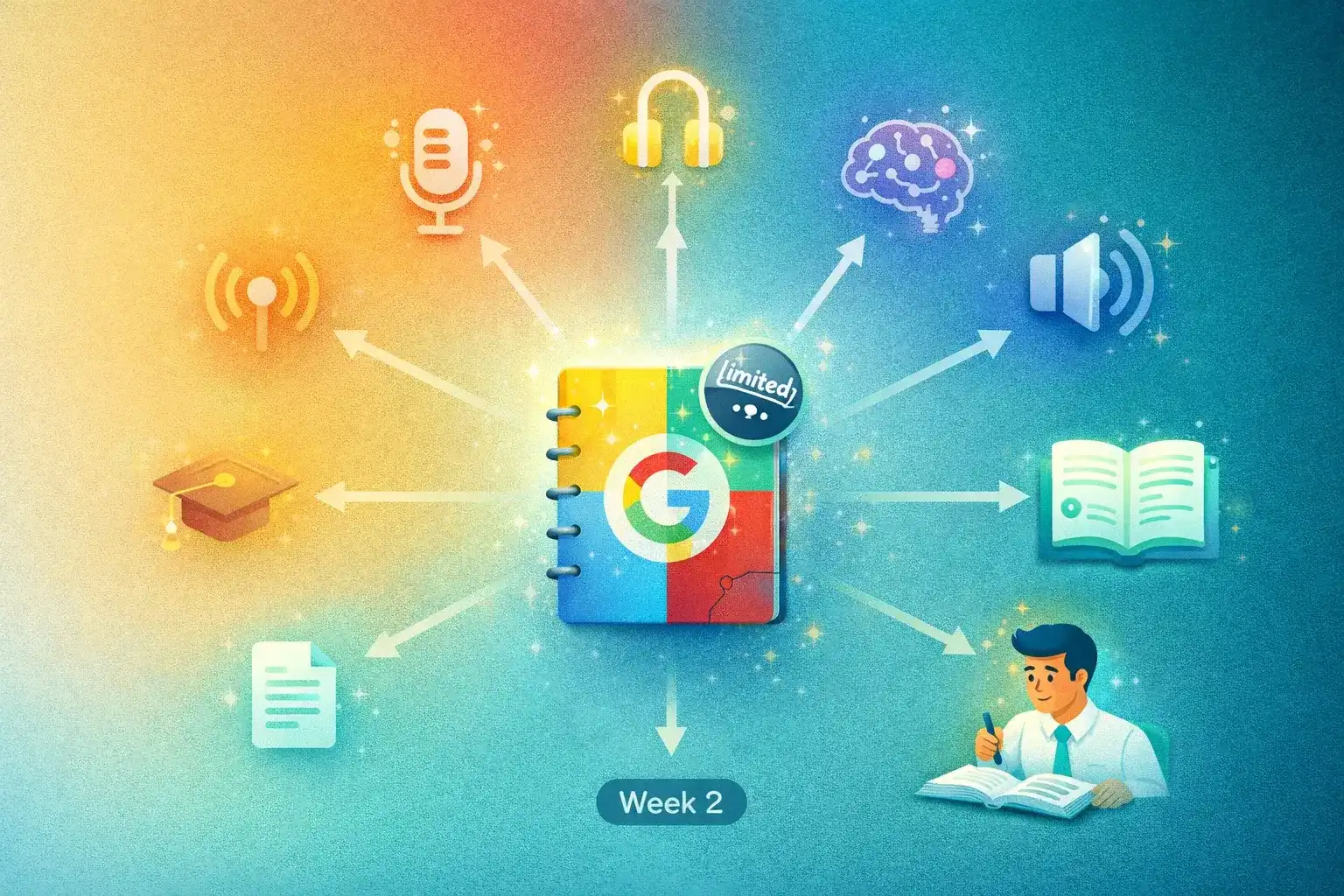
Google's NotebookLM took the internet by storm with its Audio Overview feature — upload a PDF, get back a two-host podcast discussion. Students turned dense papers into digestible conversations. Researchers got instant summaries for their commutes. It felt like magic.
Then the walls appeared. Three audio overviews per day. English only. No voice, style, or length control. No script editing. No MP3 download. No RSS feed. If you've hit these limits, you're not alone — the search for NotebookLM alternatives has grown steadily. This guide compares the 7 best options in 2026.
What to Look For in a NotebookLM Alternative
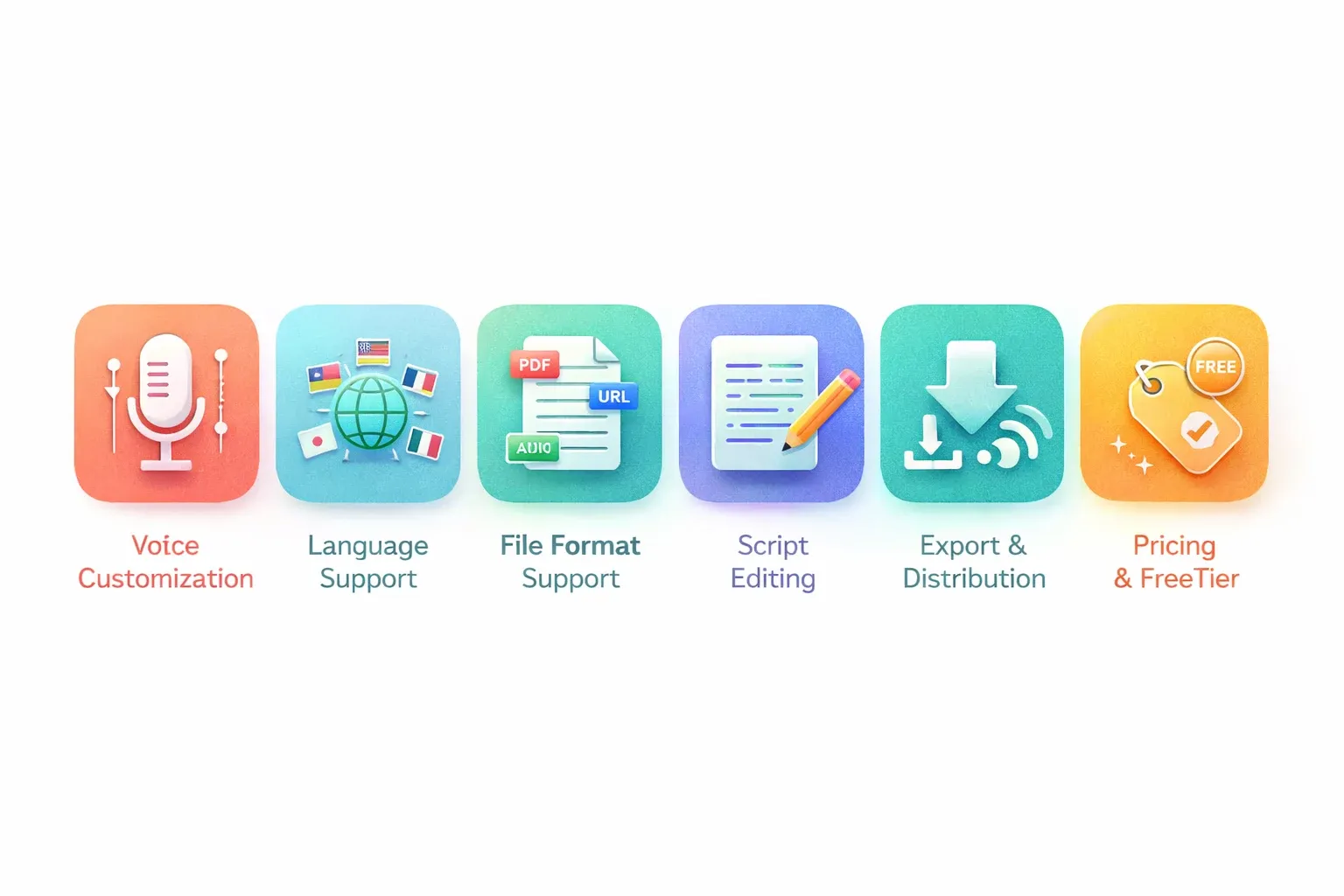
| Criteria | Why It Matters | NotebookLM |
|---|---|---|
| 🗣️ Voice customization | Match tone to your content type | ❌ 2 fixed voices, no control |
| 🌍 Language support | Multilingual audiences & learners | ❌ English only |
| 📄 File format support | Workflow flexibility | ✅ PDF, Docs, URLs, audio |
| ✏️ Script editing | Fix errors, adjust emphasis | ❌ Not available |
| 📥 Export & distribution | MP3 download, RSS, sharing | ❌ Browser streaming only |
| 💰 Pricing & free tier | Cost vs. value | ✅ Free (3/day, limited) |
7 Best NotebookLM Alternatives
1. TurboCast — Best Overall for AI Podcast Generation
| Type | 🧠 AI Podcast Generator |
| Price | Free tier; from $15/month |
| Languages | 30+ |
| Best for | Students, researchers, professionals |
TurboCast is purpose-built for what most people want from NotebookLM: turning dense content into podcast-style audio you can learn from. The AI genuinely understands your content, restructures it, and explains it as standalone audio — not just a read-aloud.
Key advantages over NotebookLM:
- 🌍 30+ languages — not just English
- 🗣️ 15+ voices with multiple accents
- 🎙️ 4 narration styles — Podcast, Teacher, Summary, Storyteller
- ⏱️ Length control — 3, 5, or 10 minutes
- ✏️ Editable scripts — review and modify before synthesis
- 📡 Private RSS feed — subscribe in Apple Podcasts, Spotify, any podcast app
- 📥 MP3 download — take your audio anywhere
- 📄 Multiple inputs — PDFs, URLs, text, audio files
For students: the PDF to podcast workflow turns lecture slides and reading lists into audio. For professionals: the article to podcast flow converts your reading queue into a commute playlist.
Pricing: Free tier includes audio extraction + transcription (3/day). AI podcast generation from $15/month (300 min). See pricing.
2. Wondercraft — Best for Professional Podcast Creators
| Type | 🎙️ AI Podcast Production Studio |
| Price | From $29/month |
| Languages | Limited |
| Best for | Podcast creators, content marketers |
Wondercraft is an AI podcast production platform — write or paste a script, choose voices, assign hosts, and generate polished multi-voice episodes. High voice quality, polished interface.
The tradeoff: it doesn't analyze or explain your content. You need to bring the script. If you're uploading a research paper expecting a synthesized explanation, Wondercraft won't deliver. If you're a podcaster wanting AI voices for pre-written episodes, it's excellent.
3. ElevenLabs GenFM — Best for Voice Quality
| Type | 🔊 Premium Read-Aloud |
| Price | Free tier; from $22/month |
| Languages | 10+ |
| Best for | Best voice quality, short content |
ElevenLabs is the gold standard in AI voice synthesis. GenFM generates audio from articles and text with their signature high-quality voices — among the best available anywhere.
The limitation: GenFM narrates content rather than restructuring and explaining it. It's a premium read-aloud, not a content explainer. Free tier is strict, and cost per minute adds up at volume.
4. Speechify — Best for Accessibility
| Type | 🔊 Text-to-Speech Reader |
| Price | Free tier; $139/year |
| Languages | 30+ |
| Best for | Accessibility, word-by-word listening |
Speechify is fast, reliable, and works across every platform. Upload a PDF, paste a URL, and it reads at up to 4.5x speed with natural voices and word highlighting.
Critical distinction: Speechify reads content, it doesn't explain it. No AI analysis, no restructured summary. For accessibility (dyslexia, visual impairment) it's excellent. For learning and comprehension, less effective than tools that process and reframe content.
5. NaturalReader — Best Budget TTS Option
| Type | 🔊 Text-to-Speech Reader |
| Price | Free tier; from $9.99/month |
| Languages | 20+ |
| Best for | Budget-conscious, basic audio conversion |
NaturalReader offers a generous free web version — no account required. Handles PDFs, Word docs, EPUBs, and plain text. Voice quality on free tier is basic; paid tiers offer improved neural voices.
Like Speechify, it's a reader, not an explainer. The AI doesn't understand or restructure your content. Cost-effective for basic document-to-audio needs.
6. Illuminate (Google) — Closest to NotebookLM
| Type | 🧠 AI Discussion Generator |
| Price | Free (preview) |
| Languages | English only |
| Best for | Two-host discussion format fans |
Google's Illuminate generates two-host discussion audio from documents — the closest structural sibling to NotebookLM. Two AI voices discuss content in a conversational back-and-forth. Quality is solid, especially for academic papers.
Same limitations as NotebookLM: English only, no voice customization, no script editing, no MP3 download. Still in limited preview, not available in all regions.
7. Snorkl — Best for Education Settings
| Type | 🎓 Educational AI Audio |
| Price | Free tier; institutional plans |
| Languages | Limited |
| Best for | Teachers and students (K-12, higher ed) |
Snorkl is focused specifically on education — converts lesson materials, study guides, and documents into audio explanations. Clean interface, classroom workflow design. Teachers upload materials and generate audio for students.
Still maturing. Language support and voice variety are limited compared to general-purpose tools. For educators specifically, the focused feature set may fit better.
Comparison Table
| Tool | Type | Languages | Voices | Styles | Script Edit | MP3 | RSS Feed | Free | Price |
|---|---|---|---|---|---|---|---|---|---|
| TurboCast | 🧠 AI Podcast | 30+ | 15+ | 4 | ✅ | ✅ | ✅ | ✅ | $15/mo |
| Wondercraft | 🎙️ Production | Limited | Multiple | Script | ✅ | ✅ | ❌ | Trial | $29/mo |
| ElevenLabs | 🔊 Read-Aloud | 10+ | Premium | ❌ | ❌ | ✅ | ❌ | Limited | $22/mo |
| Speechify | 🔊 TTS | 30+ | Multiple | ❌ | ❌ | Limited | ❌ | ✅ | $12/mo |
| NaturalReader | 🔊 TTS | 20+ | Multiple | ❌ | ❌ | Limited | ❌ | ✅ | $10/mo |
| Illuminate | 🧠 Discussion | English | 2 fixed | ❌ | ❌ | ❌ | ❌ | ✅ | Free |
| Snorkl | 🎓 Education | Limited | Limited | ❌ | ❌ | ❌ | ❌ | ✅ | Free |
Our Top Picks
| Category | Winner | Why |
|---|---|---|
| 🏆 Best Overall | TurboCast | AI comprehension + 30 languages + full customization |
| 🎙️ Best for Podcast Creators | Wondercraft | Production-grade multi-voice episodes |
| 🗣️ Best Voice Quality | ElevenLabs GenFM | Industry-leading natural voices |
| ♿ Best for Accessibility | Speechify | Word-by-word reading + excellent mobile app |
| 💰 Best Budget Option | NaturalReader | Generous free tier + affordable paid plans |
| 🔬 Closest to NotebookLM | Illuminate | Same two-host format, Google quality |
| 🎓 Best for Education | Snorkl | Classroom-focused workflows |
Why TurboCast is the Best NotebookLM Alternative
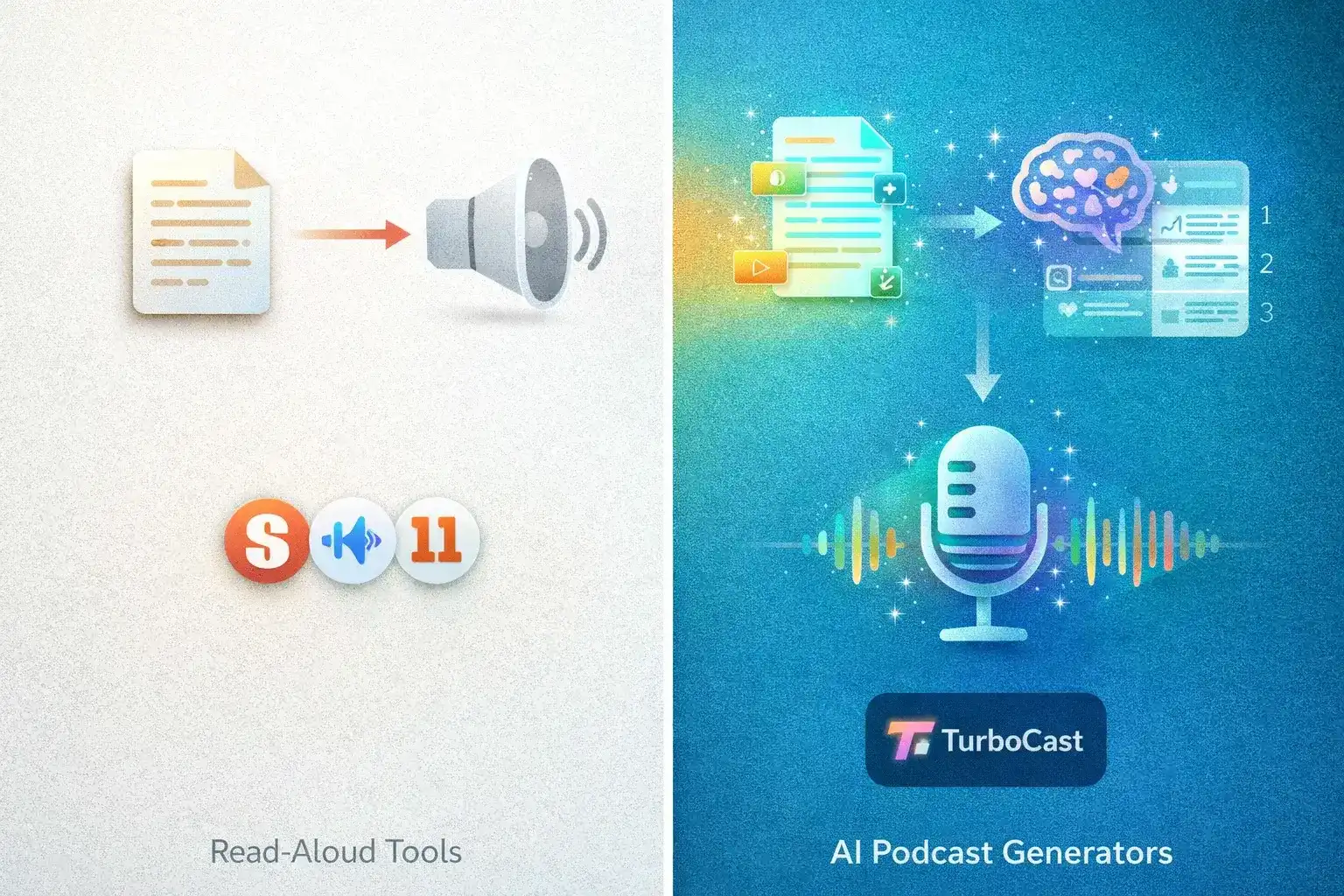
Most tools in this list do one thing: read your content aloud in a better voice. That's useful, but it's not what NotebookLM does — and not what people searching for alternatives actually want. What made NotebookLM special was AI understanding: a dense paper became a friendly conversation, a 50-page report became a 5-minute discussion.
TurboCast does this — and removes the limitations.
No Daily Cap Bottleneck
NotebookLM's 3 audio overviews per day becomes a bottleneck fast. TurboCast's free tier covers audio extraction and transcription without strict limits. Paid plans give hundreds of minutes of AI podcast audio per month.
Real Language Flexibility
If you're studying in French, teaching in Japanese, or creating content for a Spanish-speaking audience, English-only output won't work. TurboCast generates natural-sounding audio in 30+ languages — not just translation, but AI narration that sounds native to each language.
Full Control Over Output
Read the script before audio is generated. Edit it to fix errors or adjust emphasis. Choose from four narration styles. Pick your voice. Set your length. NotebookLM gives you none of this.
Podcast App Integration
The private RSS feed means you can subscribe in Apple Podcasts or Spotify and have episodes appear alongside your regular shows. For building a personal knowledge podcast, this is a game-changer.
Broadest Input Support
Beyond PDFs and articles, TurboCast handles uploaded audio files — so you can turn any content into a podcast, not just documents.
Frequently Asked Questions
Is there a free NotebookLM alternative?
Yes, several. TurboCast offers a free tier (audio extraction + transcription, 3/day). Illuminate is free in preview. Speechify and NaturalReader have free plans. For AI podcast generation (not just read-aloud), TurboCast's paid plans start at $15/month.
Which alternative supports the most languages?
TurboCast supports 30+ languages for both script generation and audio synthesis. Speechify and NaturalReader also support many languages for TTS, but they don't perform AI content analysis. For AI-explained content in non-English languages, TurboCast is the best choice.
Can any of these tools turn a YouTube video into a podcast?
Yes — TurboCast supports YouTube URLs as input. Paste a link and get a structured AI podcast explanation of the video's content. Most other tools focus on text documents only.
What's the difference between read-aloud and AI podcast generation?
A read-aloud tool (Speechify, NaturalReader) converts text to speech verbatim — an audiobook of your document. An AI podcast generator (TurboCast, NotebookLM) analyzes content, understands key ideas, and generates a new podcast-style explanation. Far more useful for learning because the AI synthesizes and explains rather than just speaking.
Which alternative is best for students?
TurboCast — the Teacher style explains concepts step by step, handles research papers and textbook chapters well, supports 30+ languages for international students, and the free tier lets you try before committing. For word-by-word textbook reading, Speechify is the TTS alternative.
Ready to Try It?
If you've been hitting NotebookLM's limits — daily caps, English-only, no customization — TurboCast is worth exploring.
Try TurboCast's AI Podcast Generator — convert your first PDF or article to a podcast, free, no credit card required.
Or explore specific workflows:
- PDF to Podcast — research papers, textbooks, reports
- Article to Podcast — web articles and blog posts
- View Pricing — find the plan that fits