The average commuter spends 30 to 60 minutes in transit every day — over 200 hours a year. What if that time could be spent finishing the research papers piling up in your downloads folder, or getting through that dense business report from last week?
You don't need to read on a shaky bus or crowded subway. You can listen instead. This guide covers every method — from the simplest free option on your phone to AI tools that turn dense documents into audio you'll actually want to hear.
3 Ways to Listen to PDFs on Your Commute
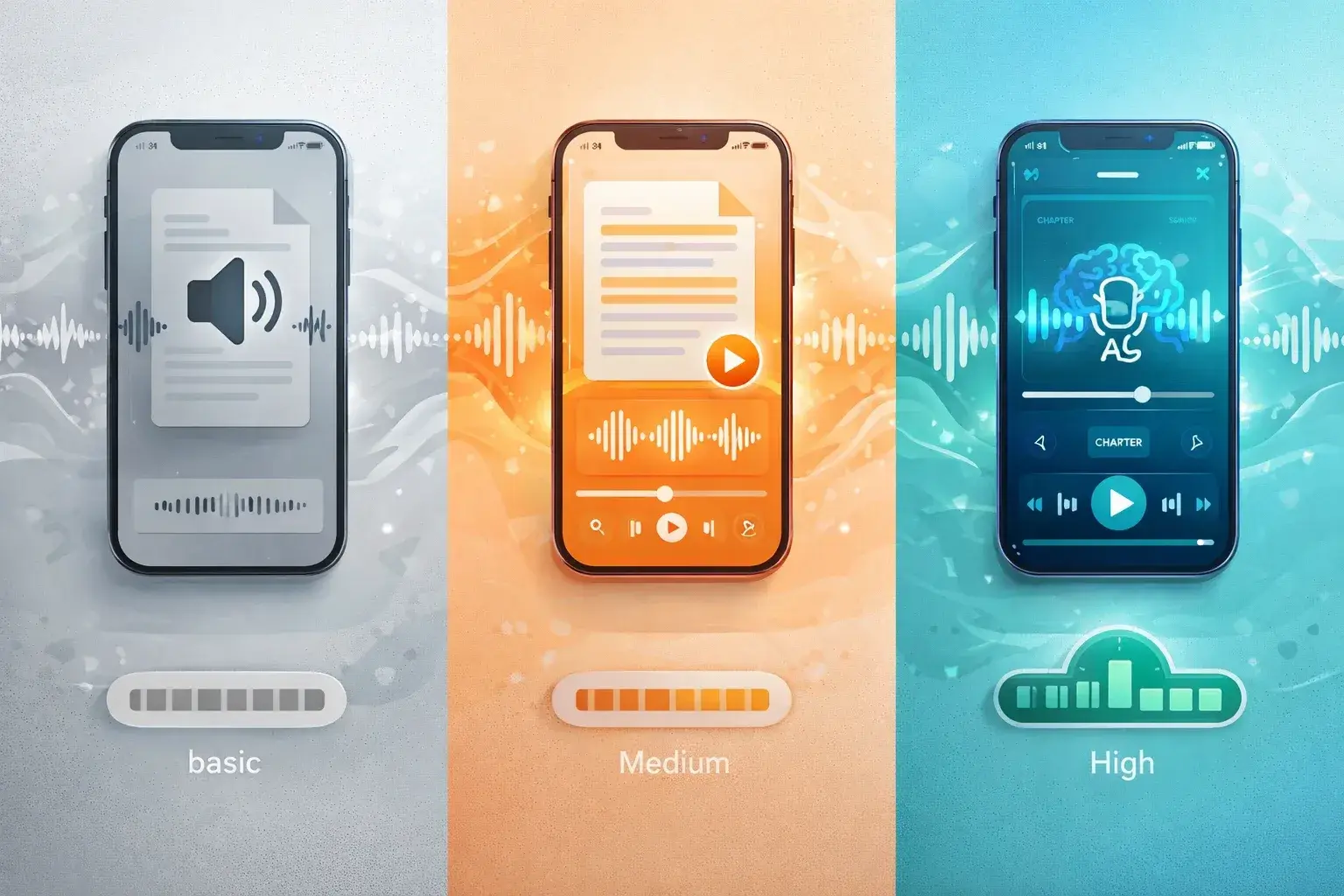
| 📱 Built-in TTS | 🔊 TTS Apps | 🧠 AI Podcast Generator | |
|---|---|---|---|
| Cost | Free | Free–$139/yr | Free–$59/mo |
| Voice quality | ⭐⭐ | ⭐⭐⭐⭐ | ⭐⭐⭐⭐ |
| Content adaptation | ❌ Reads everything | ❌ Reads everything | ✅ Restructured for audio |
| Comprehension | Low | Medium | High |
| Speed control | Basic | ✅ Advanced | ✅ Built-in |
| Best for | Quick emergencies | Novels, articles | Research, reports, studying |
Method 1: Built-in Phone TTS (Free, But Limited)
Both iOS and Android have built-in accessibility features that read text aloud.
iPhone: Settings → Accessibility → Spoken Content → "Speak Screen." Open a PDF, swipe down with two fingers.
Android: Enable TalkBack or Select to Speak in Accessibility settings. Tap text in a PDF viewer to hear it read.
The catch: Reads everything literally — headers, footers, page numbers, citations, figure captions. You'll hear "Figure 3. Illustration of the proposed framework. Page 14 of 47" repeatedly. Robotic voice quality makes longer documents exhausting.
📱 Verdict: Works in a pinch. Not sustainable for regular commute learning.
Method 2: Dedicated TTS Apps (Better Voices, More Control)
Apps like Speechify, NaturalReader, and Voice Dream Reader offer a significant upgrade:
- 🗣️ Higher-quality AI voices that sound natural
- ⚡ Variable speed (most users settle on 1.5x–2x)
- 🔖 Bookmarking to resume where you left off
- 📖 Word highlighting that follows the audio
- 📄 Better PDF formatting handling
The fundamental limitation remains: they read the document verbatim. A 40-page paper at 2x speed is still 20+ minutes of dense academic language — hard to absorb in traffic or on a crowded train.
🔊 Verdict: Good for narrative content (novels, articles). Struggles with technical/academic PDFs.
Method 3: AI Podcast Generators (Best for Learning)
Tools like TurboCast don't just read your PDF — they understand it and transform it into a structured audio explanation:
- 🎯 Clear introduction to the main topic
- 💡 Key arguments presented in plain language
- 📝 Relevant context and explanation
- ✅ Summary of what matters most
Think of it as having a knowledgeable friend who read the document and is explaining the important parts during your commute.
🧠 Verdict: Best option for commuters who want to actually retain what they hear from dense content.
Why AI Podcasts Beat TTS for Commute Learning
Academic papers, technical reports, and business documents weren't written to be heard. They were written to be read, skimmed, and referenced. When a TTS app reads them, you get:
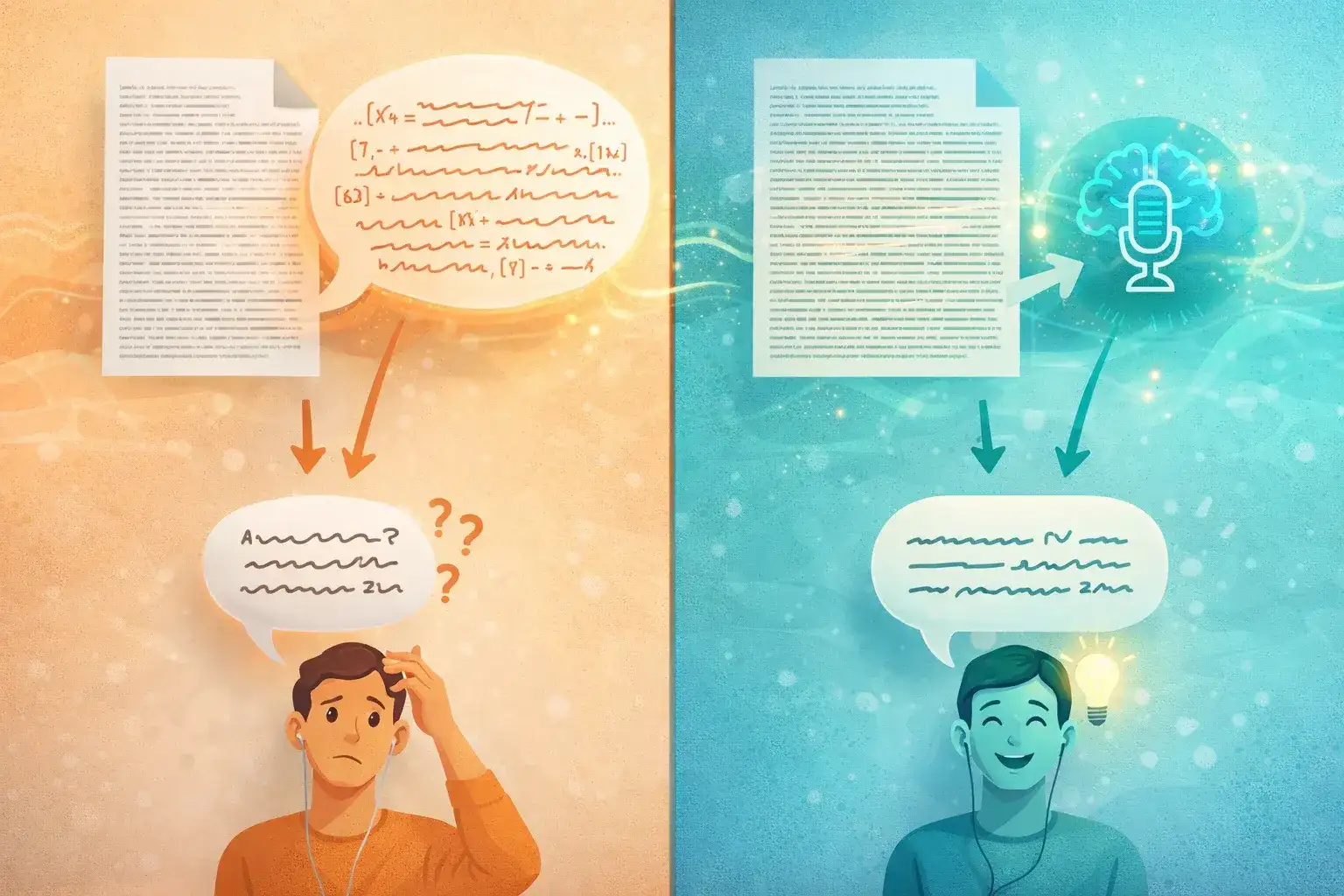
"As demonstrated in Table 2 (see Appendix B), the p-value of 0.03 (95% CI: 0.01–0.05) indicates statistical significance consistent with prior findings by Johnson et al. (2019), Kim and Park (2021), and Wu (2022)."
Incomprehensible in audio form. An AI podcast generator produces:
"The study found strong evidence supporting the main hypothesis — the results were statistically significant, meaning the outcome is unlikely to be due to chance. This lines up with what several other research teams have found."
Same information. Completely different listening experience.
| 🔊 TTS Output | 🧠 AI Podcast Output | |
|---|---|---|
| Citations | Reads "Johnson et al. (2019)..." verbatim | "Several research teams found..." |
| Tables/figures | "See Table 2, Appendix B" | Explains the data in plain language |
| Jargon | Reads technical terms as-is | Explains in context |
| Length | Full document (40+ min) | Key ideas (5–10 min) |
| Comprehension | Low during commute | High during commute |
Step-by-Step: Convert PDFs for Your Commute with TurboCast
Step 1: Upload Your PDF
Go to /pdf-to-podcast and upload your file. Drag and drop or click to browse. TurboCast supports standard PDFs up to your plan's size limit.
Step 2: Choose Your Style
| Style | Best For | Commute Use Case |
|---|---|---|
| 📋 Summary | Business reports, news | Quick 3-min overview between stops |
| 🎓 Teacher | Research papers, textbooks | Deep understanding on a long train ride |
| 🎙️ Podcast | General content | Easy listening on any commute |
| 📖 Storyteller | Case studies, narratives | Engaging audio for longer drives |
Step 3: Choose Your Length
| Length | Duration | Best For |
|---|---|---|
| Short | ~3 min | News articles, executive summaries, short papers |
| Medium | ~5 min | Standard research papers, medium reports |
| Long | ~10 min | Textbook chapters, comprehensive reports |
💡 Tip: Match length to your commute. A 15-minute subway ride fits two 5-minute summaries or one 10-minute deep dive.
Step 4: Get Your Audio
Two options for commute listening:
- 📥 Download MP3 — Transfer to your phone and listen in any music/podcast app
- 📡 Private RSS feed — Add to Apple Podcasts, Spotify, or Pocket Casts. New conversions appear automatically in your feed — the most convenient option for regular commuters
Step 5: Listen During Your Commute
Your converted PDFs now live alongside your regular podcasts. Listen on your existing headphones, car audio, or earbuds without any additional setup.
Which PDFs Work Best for Audio?
| PDF Type | Audio Fit | Recommended Style |
|---|---|---|
| 📄 Research papers | ⭐⭐⭐⭐⭐ | Teacher |
| 📊 Business/market reports | ⭐⭐⭐⭐⭐ | Summary |
| 📰 News and analysis | ⭐⭐⭐⭐ | Podcast |
| 📚 Textbook chapters | ⭐⭐⭐⭐ | Teacher |
| ⚖️ Legal documents | ⭐⭐⭐ | Summary |
| 📋 Meeting notes/memos | ⭐⭐⭐ | Summary |
| 💻 Code documentation | ⭐ | Not recommended |
| 📐 Visual/diagram-heavy | ⭐ | Not recommended |
| 📝 Forms and templates | ⭐ | Not recommended |
💡 When in doubt, try it. A well-structured PDF to audio conversion often surprises people by how listenable even dry technical content becomes.
Tips for Getting the Most from Audio Learning
Listen at 1.5x Speed
The sweet spot for most people — fast enough to be efficient, slow enough to follow complex ideas. Start at normal speed and work up as you get comfortable.
Do a First Pass Without Notes
Let the full audio play through once. Your goal is to get the shape of the content — what it covers, the main arguments, what surprised you.
Re-listen to Key Sections
Most podcast apps let you rewind 15 or 30 seconds. When something important comes up, loop back. TurboCast's chapter markers make it easy to jump to specific sections.
Pair Audio with Written Review
After listening, spend 5 minutes reviewing key points — from the original document or TurboCast's generated transcript. Audio + text review reinforces retention significantly more than either alone.
Build a Weekly Listening Queue
Batch-convert a week's worth of reading on Sunday night using the private RSS feed. Work through it during the week's commutes. Treat your converted PDFs like a podcast backlog.
Match Content to Context
Save dense technical material for quiet commutes where you can focus. Use lighter summary-style content for noisy buses and trains where detailed comprehension is harder.
Frequently Asked Questions
How long does it take to convert a PDF?
TurboCast typically processes a PDF in 2–5 minutes depending on length. You can start the conversion before leaving home and have the audio ready by the time you reach your stop.
Can I listen offline?
Yes. Download the MP3 file to your phone and listen without an internet connection. If using the RSS feed in a podcast app, most apps support downloading episodes for offline playback.
What's the best podcast app for converted PDFs?
Any standard podcast app works with TurboCast's private RSS feed — Apple Podcasts, Spotify, Pocket Casts, Overcast, and Castro are all compatible. Use whichever you already have installed.
Does it work with scanned PDFs?
Scanned PDFs are images, not text. They need OCR (optical character recognition) first. Run scanned documents through Adobe Acrobat OCR or Google Drive's built-in OCR before uploading to TurboCast.
How many PDFs can I convert per day?
Free tier: 3 audio extractions + transcriptions per day. Paid plans start at $15/month with 300 minutes of AI podcast generation — enough for approximately 30–60 converted PDFs depending on length settings. See the pricing page for details.
Turn Your Commute Into a Learning Machine
Your reading list won't shrink on its own. A 45-minute train ride is enough to cover a full research paper or key findings from a lengthy report. Over a year, that's hundreds of documents — without any additional time investment.
Try TurboCast's PDF to podcast converter and turn your next commute into study time. No credit card required to start.