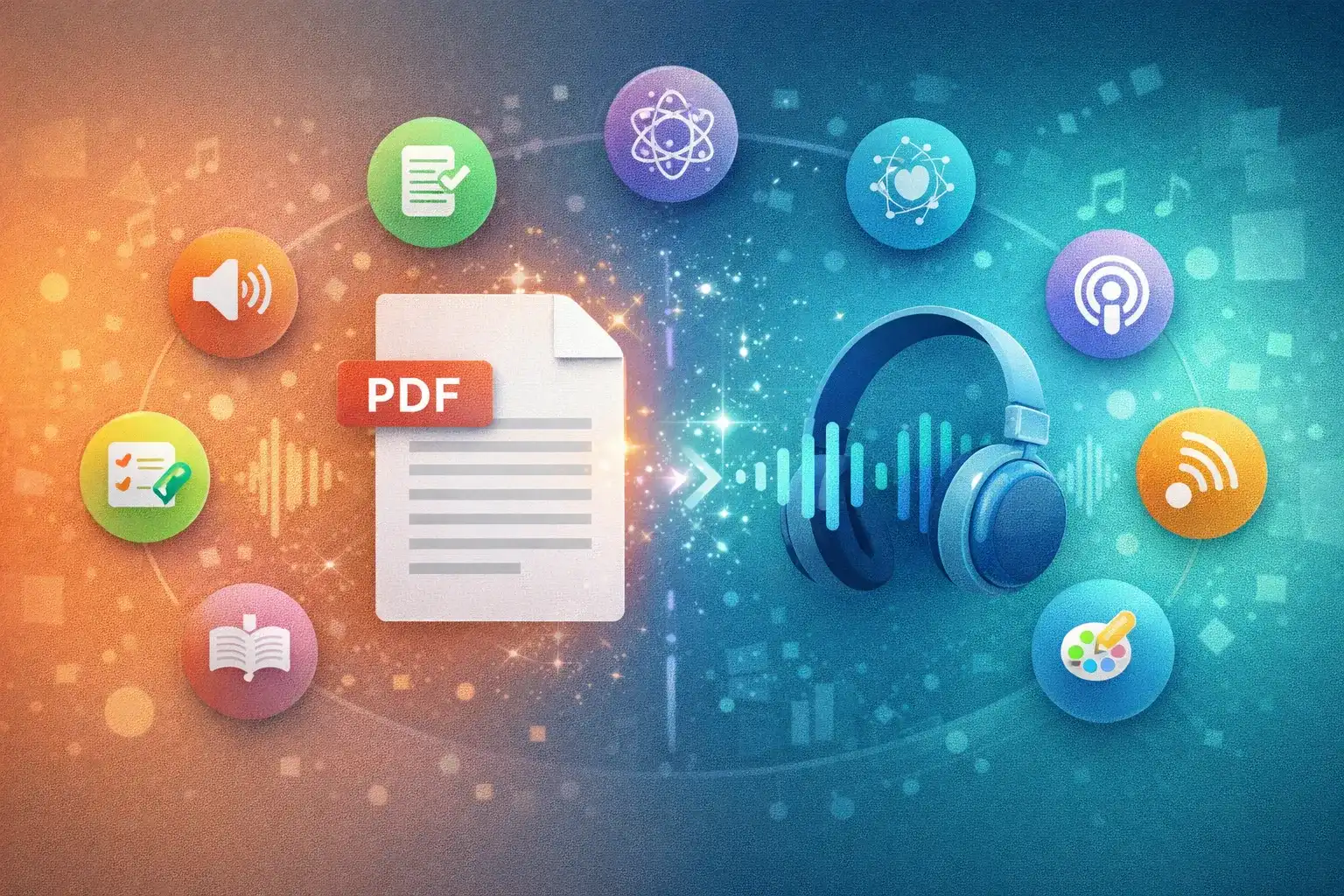
You have a 40-page research paper, a business report, or a textbook chapter sitting in your downloads folder. Reading isn't an option right now — but listening is. That's exactly why PDF to audio conversion has exploded in popularity.
In 2026, tools range from basic text-to-speech readers that recite every word to AI podcast generators that actually understand your PDF and explain it to you. This guide compares the 7 best options and helps you pick the right one.
The Two Approaches to Listening to PDFs
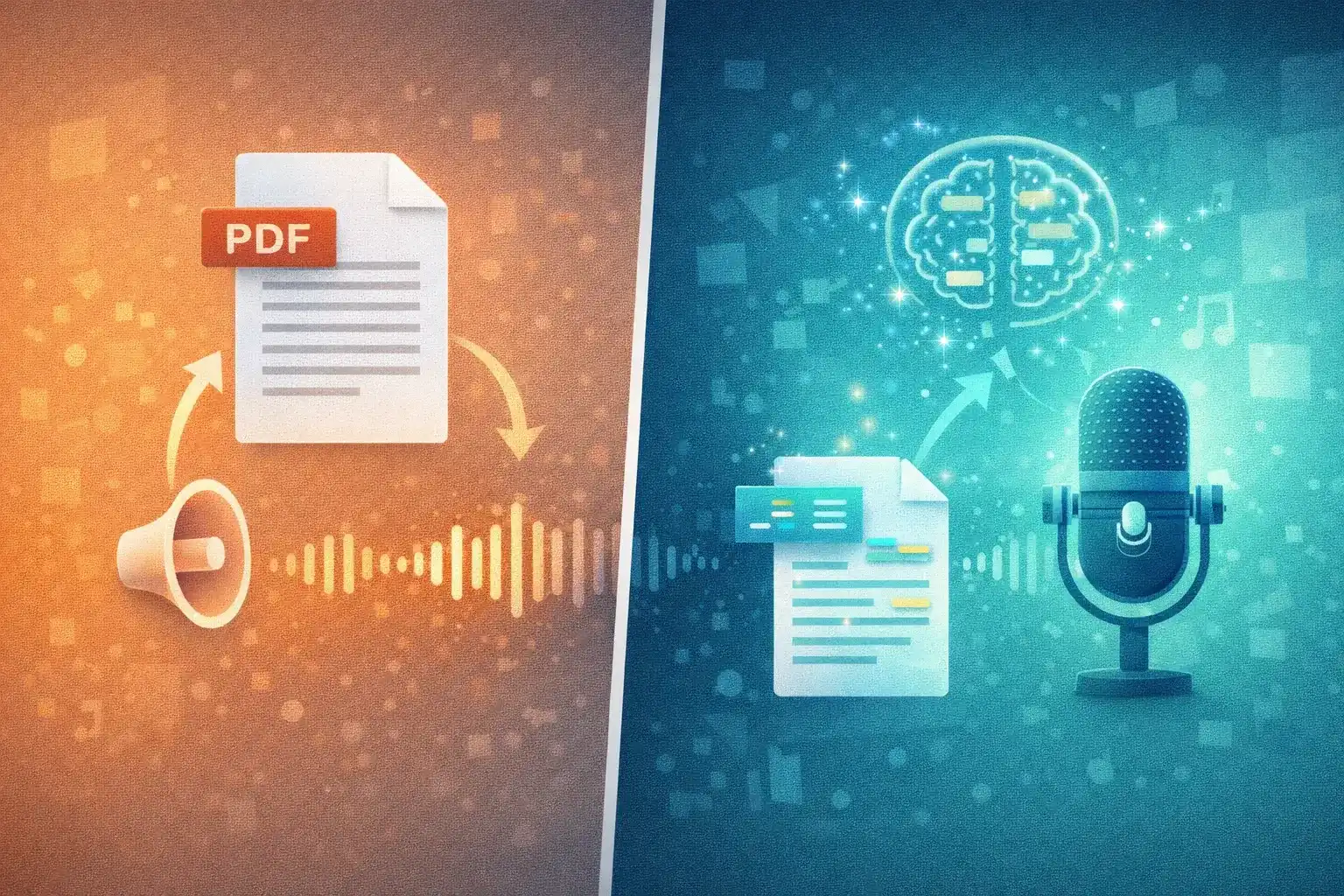
Before diving into tools, understand the two distinct approaches:
| 🔊 TTS Readers | 🧠 AI Podcast Generators | |
|---|---|---|
| How it works | Reads text word-for-word | Understands content, generates new script |
| Output | Audiobook of your document | Podcast episode about your document |
| Content adaptation | ❌ None — reads as-is | ✅ Restructured for audio |
| Best for | Accessibility, novels, legal docs | Studying, research, dense content |
| Voice quality | Good to excellent | High-quality, natural |
| Key limitation | Reads footnotes, captions, tables verbatim | Summarizes rather than reproducing every word |
| Examples | Speechify, NaturalReader, ElevenLabs | TurboCast, NotebookLM |
💡 Rule of thumb: If you'd skim the PDF rather than read every word, an AI podcast generator will serve you better. If you'd read every word, a TTS reader makes more sense.
7 Best PDF to Audio Tools in 2026
1. TurboCast — Best AI Podcast Generator for PDFs
| Type | 🧠 AI Podcast Generator |
| Price | Free tier; paid from $15/month |
| Languages | 30+ |
| Best for | Students, researchers, professionals |
TurboCast's PDF to Audio tool is the standout option for anyone who wants to genuinely understand a PDF rather than just hear it read aloud. Upload your PDF and TurboCast's AI analyzes the content, identifies core ideas, and generates a structured podcast-style explanation.
Unlike TTS readers, TurboCast rewrites the content into a conversational script optimized for listening. The result sounds like a knowledgeable person explaining your document to you.
Key features:
- ✅ Upload PDF files directly
- 🎙️ 4 styles: Podcast, Teacher, Summary, Storyteller
- ⏱️ Length control: 3, 5, or 10 minutes
- 🌍 30+ languages with cross-language conversion
- ✏️ Editable scripts before audio generation
- 📥 Download as MP3
- 📡 Private podcast feed for Apple Podcasts / Spotify
2. Speechify — Best TTS Reader for PDFs
| Type | 🔊 Text-to-Speech Reader |
| Price | Free tier; Premium $139/year |
| Languages | 30+ |
| Best for | Accessibility, novels, word-by-word listening |
Speechify is the most well-known PDF listening tool. High-quality neural voices, excellent speed controls (comfortable at 2–3x), and word highlighting that lets you follow along visually.
The core limitation: it reads your document as written — including awkward passages, fragmented lists, and table data that doesn't make sense as spoken text. Works well for narrative documents; choppy for technical PDFs.
Key features:
- ✅ Word-by-word highlighting
- 🗣️ Premium AI voices
- ⚡ Speed control up to 4.5x
- 📱 Polished mobile app
- 🔌 Browser extension for web pages
3. NaturalReader — Best Free TTS Option
| Type | 🔊 Text-to-Speech Reader |
| Price | Free tier; from $9.99/month |
| Languages | 20+ |
| Best for | Casual users, budget-conscious, accessibility |
NaturalReader offers a generous free tier — a popular starting point for PDF audio conversion. Handles PDFs, Word docs, and plain text via a web interface with no installation required.
Free tier voices are noticeably robotic; paid tiers offer significantly improved neural voices. Also available as a desktop app and Chrome extension.
Key features:
- ✅ Generous free tier
- 🌐 Web-based, no installation
- 💻 Desktop app available
- 🔌 Chrome extension
4. Google NotebookLM — Best Free AI Podcast Tool
| Type | 🧠 AI Podcast Generator |
| Price | Free |
| Languages | English only |
| Best for | Quick English summaries, casual use |
NotebookLM's "Audio Overview" generates a two-host AI conversation about your PDF — genuinely impressive and completely free. Two AI hosts discuss your content in an engaging back-and-forth format.
Major limitations: English-only output (even for non-English PDFs), ~3 generations per day, no control over style/length/script, no MP3 download — browser streaming only.
Key features:
- ✅ Completely free
- 🎭 Two-host conversation format
- 📎 Native Google Docs integration
- ❌ English only, no customization, no download
5. Adobe Acrobat Read Aloud — Best Built-in Option
| Type | 🔊 Text-to-Speech Reader |
| Price | Free with Adobe Acrobat |
| Languages | System TTS voices |
| Best for | Quick one-off listening, offline use |
If you have Adobe Acrobat, you already have a PDF audio tool. View > Read Aloud uses your system's TTS engine — no upload, no account, no processing time.
Voice quality depends on your system's installed voices (typically robotic). No AI features, no downloads, no mobile version. But it's instant and offline.
Key features:
- ✅ No setup required
- 🔒 Fully offline
- ⚡ Instant playback
- ❌ Basic voice quality, no export
6. Voice Dream Reader — Best Mobile App for PDFs
| Type | 🔊 Text-to-Speech Reader |
| Price | $14.99 one-time purchase |
| Languages | 30+ |
| Best for | Mobile users, accessibility, no subscription |
Voice Dream Reader is a mobile-first app with a loyal accessibility community. Reads PDFs, ebooks, and web pages with high-quality voices. The one-time purchase model stands out in a market full of subscriptions.
Strong navigation (headings/sections), adjustable speed, and customizable display. Mobile-only — no desktop version.
Key features:
- ✅ One-time purchase (no subscription)
- 📱 iOS and Android
- ♿ Accessibility-focused
- 📖 Heading/section navigation
- ❌ Mobile only
7. ElevenLabs Reader — Best Voice Quality for TTS
| Type | 🔊 Text-to-Speech Reader |
| Price | Free tier; from $5/month |
| Languages | 29+ |
| Best for | Best voice quality, short documents |
ElevenLabs brings premium voice synthesis to PDF listening. The voices are among the most natural-sounding available — if robotic AI voices have ever jarred you, ElevenLabs is the antidote.
Free tier is limited (10,000 characters/month). More developer/API-focused than consumer-friendly, but output quality is hard to beat in the TTS category.
Key features:
- ✅ Industry-leading voice quality
- 🗣️ Highly natural AI voices
- 🔧 API access for developers
- ❌ Limited free tier, short documents only
Comparison Table
| Tool | Type | Languages | Free | Price | MP3 Download | Mobile | Rating |
|---|---|---|---|---|---|---|---|
| TurboCast | 🧠 AI Podcast | 30+ | ✅ | From $15/mo | ✅ | ❌ | ⭐⭐⭐⭐⭐ |
| Speechify | 🔊 TTS | 30+ | ✅ | $139/year | Limited | ✅ | ⭐⭐⭐⭐ |
| NaturalReader | 🔊 TTS | 20+ | ✅ | From $9.99/mo | Limited | ✅ | ⭐⭐⭐ |
| NotebookLM | 🧠 AI Podcast | English | ✅ | Free | ❌ | ❌ | ⭐⭐⭐⭐ |
| Adobe Acrobat | 🔊 TTS | System | ✅ | With Acrobat | ❌ | ❌ | ⭐⭐ |
| Voice Dream | 🔊 TTS | 30+ | ❌ | $14.99 once | ❌ | ✅ | ⭐⭐⭐⭐ |
| ElevenLabs | 🔊 TTS | 29+ | ✅ | From $5/mo | ✅ | ❌ | ⭐⭐⭐⭐ |
Our Top Picks
| Category | Winner | Why |
|---|---|---|
| 🏆 Best Overall | TurboCast | AI comprehension + 30 languages + full customization |
| 🔊 Best TTS Reader | Speechify | Premium voices + excellent speed controls |
| 🆓 Best Free Option | NotebookLM | Completely free AI podcast (English only) |
| 🗣️ Best Voice Quality | ElevenLabs | Industry-leading natural voices |
| 📱 Best Mobile App | Voice Dream | One-time purchase + accessibility focus |
| 💰 Best Value | NaturalReader | Generous free tier + affordable paid plans |
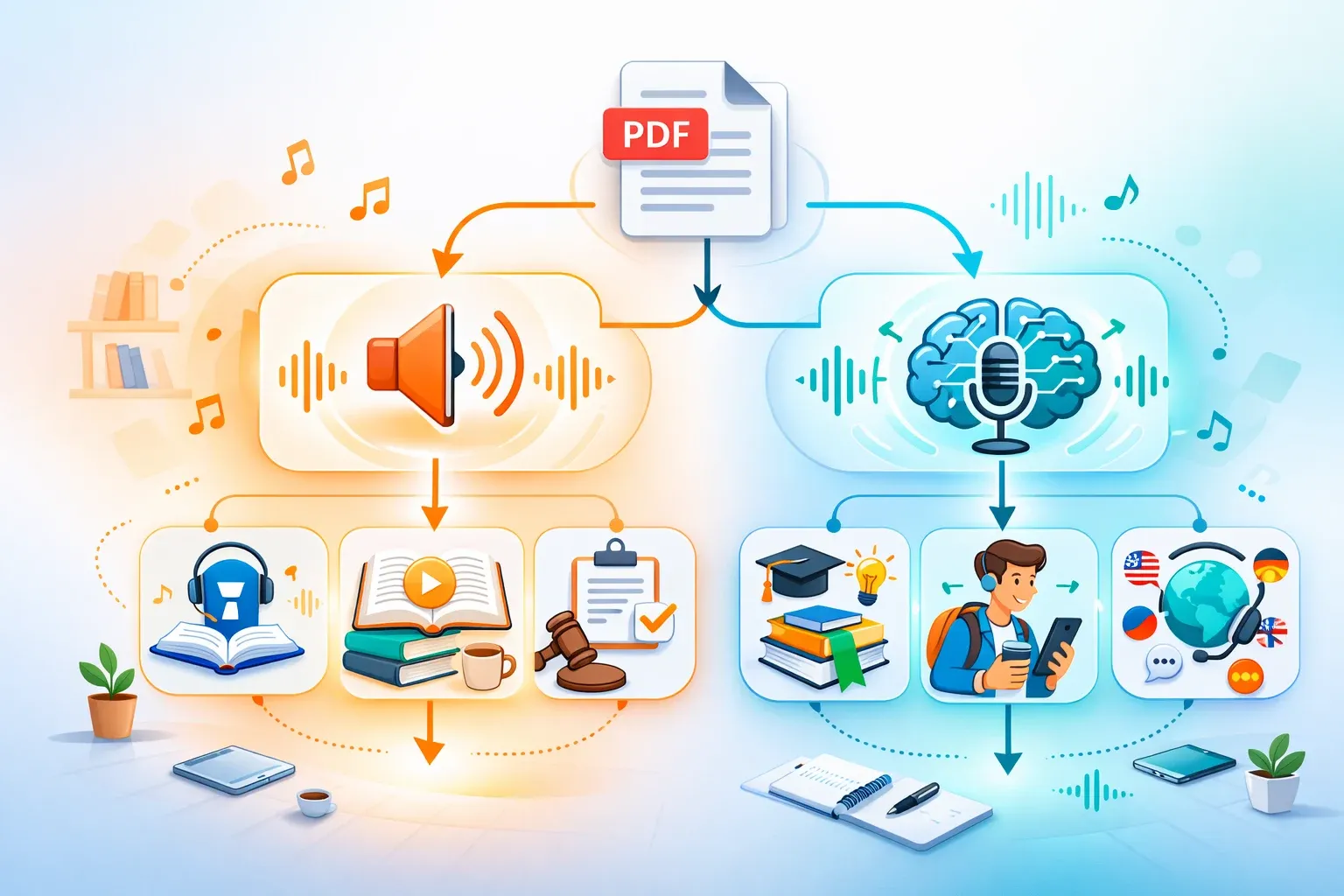
How to Choose the Right Tool
| Your Goal | Recommended Approach | Best Tool |
|---|---|---|
| Understand key ideas quickly | 🧠 AI Podcast | TurboCast |
| Hear every word exactly | 🔊 TTS Reader | Speechify |
| Free English summaries | 🧠 AI Podcast | NotebookLM |
| Best voice naturalness | 🔊 TTS Reader | ElevenLabs |
| Mobile listening | 🔊 TTS Reader | Voice Dream |
| Multilingual content | 🧠 AI Podcast | TurboCast |
| No subscription | 🔊 TTS Reader | Voice Dream |
| Budget-friendly start | 🔊 TTS Reader | NaturalReader |
| Offline/no setup | 🔊 TTS Reader | Adobe Acrobat |
Frequently Asked Questions
Can I convert a scanned PDF to audio?
Scanned PDFs are essentially images — they need OCR (optical character recognition) to extract text first. TurboCast, Speechify, and NaturalReader support PDFs with embedded text. For scanned documents, run them through an OCR tool (Adobe Acrobat OCR or Google Drive's built-in OCR) before uploading.
Is it legal to convert PDFs to audio for personal use?
For PDFs you own or have licensed (ebooks, purchased reports, your own documents), converting to audio for personal use is generally considered fair use. For copyrighted material you don't own, check the document's terms of use.
Can I download the audio as an MP3?
TurboCast lets you download AI-generated podcast audio as MP3 and add it to a private podcast feed. ElevenLabs also supports MP3 download. NotebookLM does not support download. Adobe Acrobat's Read Aloud cannot be exported.
What's the best free PDF to audio tool?
For free AI podcast generation (English only): NotebookLM. For free TTS reading with multilingual support: NaturalReader. For AI podcast generation in 30+ languages with a free tier: TurboCast.
Which tool is best for students?
TurboCast — it understands dense academic content and generates focused explanations instead of reading every footnote. Teacher style explains jargon step by step. The free tier lets you try before committing. For word-by-word reading of textbooks, Speechify is the TTS alternative.
Start Listening to Your PDFs Today
The best PDF to audio tool is the one that matches how you want to consume the content. If you want every word → use a TTS reader. If you want to understand what you're listening to → use an AI podcast generator.
Try TurboCast's PDF to Audio tool free today. Upload your PDF, choose your style and language, and get a podcast-style explanation in minutes. See our pricing page for plan details.