
AI Video SummarizerAny Video, Summarized in Minutes
Upload a lecture, meeting recording, or any video file — get a TL;DR, chapters, and timestamped highlights you can jump to.
3 free summaries a day · Videos up to 30 min free · No credit card
What you get
A Structured Digest, Not a Wall of Text
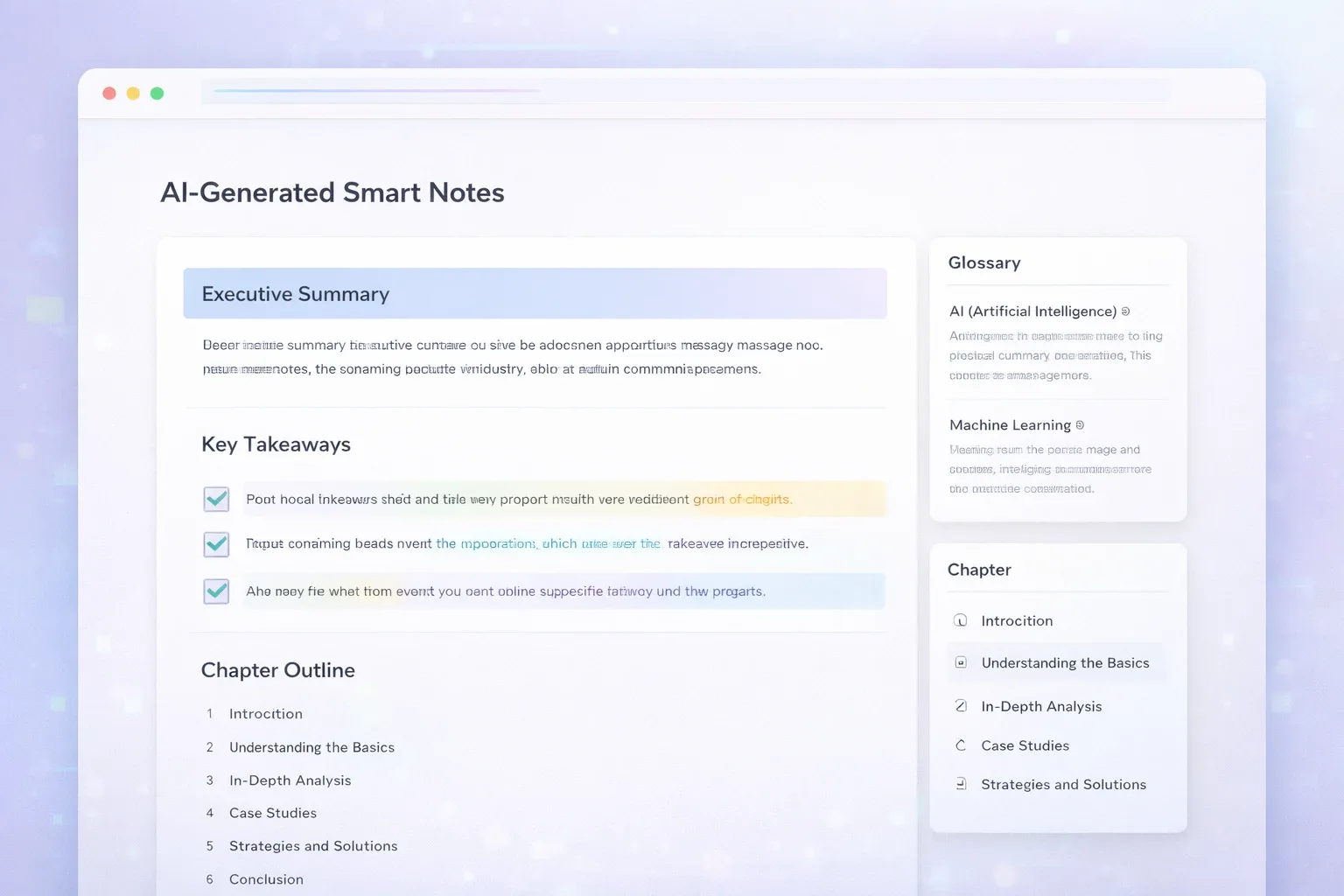
Every video summary is a readable digest: a TL;DR up top, chapters with key points, and highlight quotes linked to the exact second they were said.
 48:12
48:12Q3 All-Hands Recording
Uploaded video · 48:12
TL;DR
- 01Revenue beat plan; hiring pauses except for support roles
- 02New onboarding flow ships in phased rollout next month
- 03Q4 priority is retention over new acquisition
Chapters
- 00:00Quarter in review
- 09:45Product roadmap update
- 27:30Q4 goals and owners
- 41:05Open Q&A
Highlight
If we only move one number this quarter, it's ninety-day retention.
How to Summarize a Video in 3 Steps
From a raw recording to a structured digest — no editing software, no scrubbing through the timeline.
Upload your video
Drop in MP4, MOV, WebM, MPEG, WMV, and more — up to 30 minutes and 100MB on the free plan, 210 minutes and 500MB on paid plans. A captioned YouTube link works in the same box.
Let the AI build the digest
The video summarizer transcribes the audio track, then structures it: TL;DR, chapters with key points, takeaways, and timestamped highlights. Progress streams live.
Read, verify, reuse
Skim the TL;DR first, expand chapters for detail, and click any timestamp to jump the player to that exact moment. Export the transcript as TXT or SRT, or push the summary into flashcards, a quiz, or an AI podcast.
What You Get in Every Video Summary
Five layers, each useful on its own — that's what makes this an AI video summarizer rather than a paragraph generator.
TL;DR in 3–5 bullets
The whole recording compressed into the sentences that matter. Twenty seconds tells you whether the video deserves more of your time.
Chapter-by-chapter breakdown
The video's real structure with a timestamp per chapter — a 50-minute meeting stops being a black box.
Key takeaways with context
The decisions and insights worth keeping, each paired with the context that makes it meaningful.
Timestamped highlights
The strongest moments pulled out as quotes with the exact second they were said — click and the player jumps there.
Full transcript included
The complete transcript stays one tab away, with TXT and SRT export. The summary and its source, together.
Who Uses a Video Summarizer?
Anyone with a folder of recordings they'll "watch later" — and never do.
Meeting & all-hands recordings
Turn a 50-minute recording into decisions, owners, and action items. The people who missed the call read the digest in three minutes.
Lecture & course recordings
Summarize recorded classes into chapters and takeaways, then jump back to the exact minute a concept was explained before the exam.
Creator research
Study how a long video is structured — the chapter breakdown is its outline, the highlights are its hooks — without watching it three times.
Training & onboarding videos
Give every new hire the digest next to the full recording: read first, watch only the sections that need depth.
TurboCast vs Other Video Summarizers
Where this video summarizer is genuinely different — and where it honestly isn't.
| Feature | Typical video summarizer | TurboCast |
|---|---|---|
| Output structure | One block of text | TL;DR + chapters + takeaways + highlights |
| Timestamps that jump the player | Sometimes | Every chapter and highlight |
| Full transcript with TXT / SRT export | Rarely | Always |
| Flashcards, quiz & podcast from the summary | One click | |
| Input | Varies | MP4, MOV, WebM + 9 more formats, or a captioned YouTube link |
| Free tier | Varies | 3 summaries a day, videos up to 30 min / 100MB |
| Account required | Varies | Yes — free account, no credit card |
The Summary Is Just the Start
For most tools the summary is the end of the line. Here it's the starting material: the same digest becomes AI flashcards for review, a practice quiz that tests what the video actually said, or a narrated podcast for the commute. One upload, one workspace, three more ways to use it.
AI flashcards
Key concepts from the video as question-and-answer cards.
Practice quiz
Multiple-choice questions with explanations, from the video's content.
AI podcast
A narrated audio explanation in your choice of style and language.
Why Summarizing Videos Matters
Video is the format everything gets recorded in and the hardest one to skim. A document shows its headings instantly; a video shows a thumbnail and a runtime, and everything else hides behind the play button.
That's how watch-later folders die: a 48-minute recording is a commitment you can't evaluate in advance, so it waits forever. Reading is also simply faster — three to five times faster than watching at 1× speed (American Press Institute).
An AI video summarizer flips the economics. You read the digest in two minutes, decide whether the recording deserves your hour, and when it does, the timestamps take you straight to the parts that matter.
What Is an AI Video Summarizer?
A video summarizer is an AI tool that turns a video's spoken content into a short, structured summary — a TL;DR, chapters, and key takeaways — so you can understand the video without watching it end to end.
TurboCast's version works in two stages: it first transcribes the video's audio track, then analyzes the full transcript to reconstruct the structure — the argument, the sections, the moments that carry the insight. Every part of the output is anchored to a timestamp in the original video.
It's not the same as a transcript, which is the full verbatim text you still have to read. The summary is the compressed version, and on TurboCast both come from the same upload — the transcript stays one tab away from every digest.
Frequently Asked Questions
Everything you need to know about the TurboCast video summarizer.
Related Tools
The video summarizer is one piece of TurboCast's toolkit for long content.
Same digest for podcasts, meeting audio, and voice recordings.
Papers, reports, and ebooks compressed into Smart Notes.
The YouTube-link workflow, with examples and video-specific FAQs.
Need the full transcript instead of a summary? Start here.
Turn any material into question-and-answer study cards.
Generate a practice quiz with explanations from the same content.