
YouTube Video Summarizer
Paste a YouTube link and get a structured AI summary — TL;DR, chapter breakdown, key takeaways, and timestamped highlights you can jump to.
Try one of these to see how it works
What you get
A Structured Digest, Not a Wall of Text
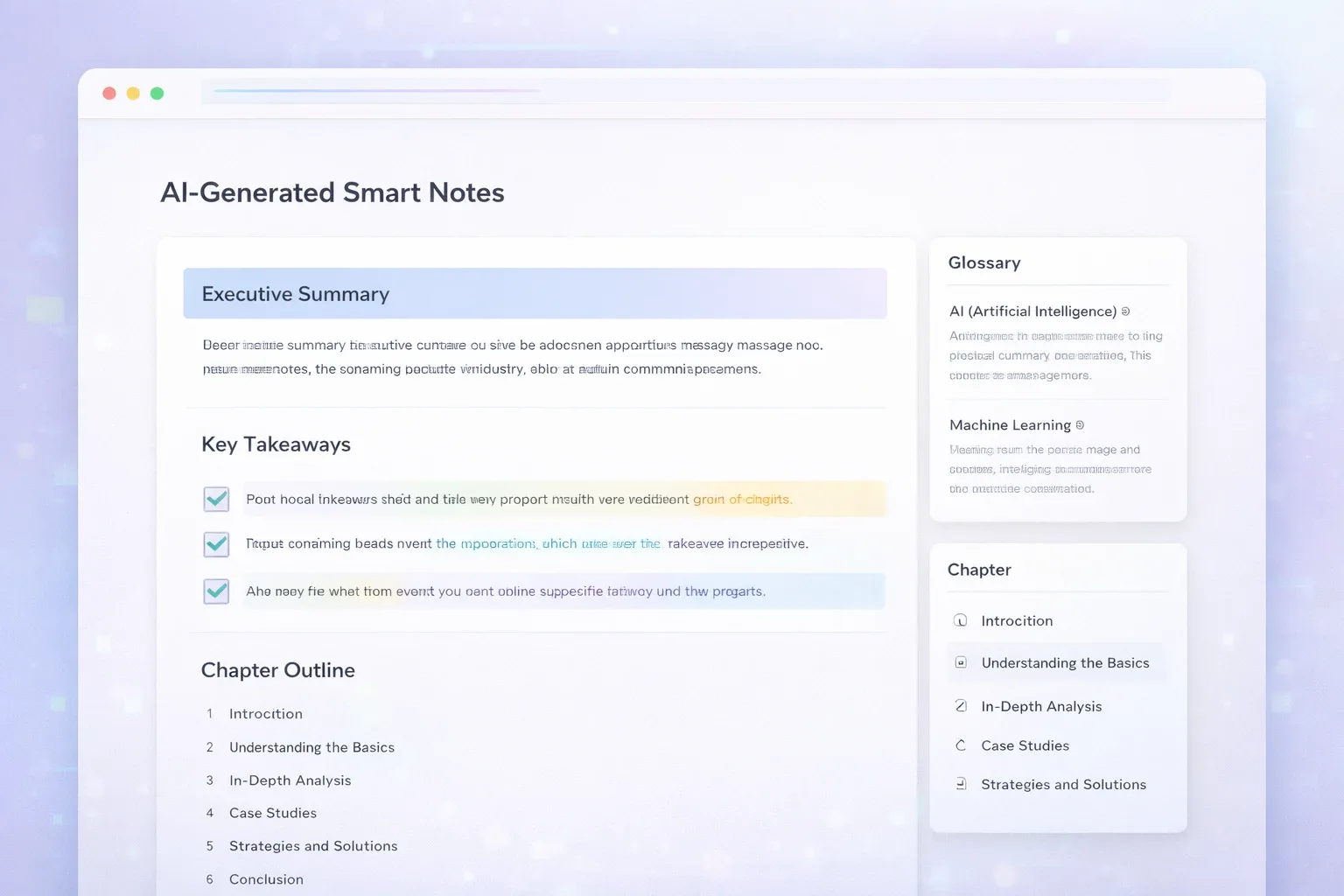
The YouTube video summarizer turns every video into a readable digest: a TL;DR up top, chapters with key points, and highlight quotes that link back to the exact second they were said.
 24:31
24:31How to Learn Anything Faster
Example lecture · 24:31
TL;DR
- 01Spaced repetition beats cramming for long-term retention
- 02Active recall — testing yourself — is the highest-leverage habit
- 03Sleep consolidates what you practised the same day
Chapters
- 00:00Why most study time is wasted
- 04:12Active recall, explained
- 11:47Building a spaced-repetition system
- 19:03Sleep, breaks, and consolidation
Highlight
Every time you retrieve an idea from memory, you make it easier to retrieve the next time.
How to Summarize a YouTube Video in 3 Steps
From a YouTube link to a structured AI summary in about a minute — no browser extension, no software to install. Here's how the YouTube video summarizer works.
Paste the YouTube link
Copy the URL of any public, captioned YouTube video — youtube.com/watch?v=…, youtu.be/…, or /shorts/… all work, including mobile and music.youtube.com links. Free accounts can summarize videos up to 30 minutes long; paid plans extend that to 3.5 hours.
Click Summarize Video
The YouTube video summarizer pulls the caption track — creator-uploaded subtitles first, auto-generated captions as fallback — and runs it through AI to build the digest. Most videos are done in under a minute; you can watch the progress live.
Read the digest, jump by timestamp
Skim the TL;DR first, then expand chapters for the detail you need. Every chapter and highlight has a clickable timestamp that jumps the built-in player to that exact moment — verify any claim in one click. Export the full transcript as TXT or SRT, or push the summary into flashcards, a quiz, or an AI podcast.
What You Get in Every Summary
Most tools hand you one paragraph and call it a summary. The TurboCast YouTube video summarizer produces a structured digest with five distinct layers — each one useful on its own.
TL;DR in 3–5 bullets
The whole video compressed into the sentences you'd highlight if you'd watched it twice. Read it in 20 seconds and know whether the video is worth more of your attention — that's the fastest way to summarize a YouTube video down to a yes or no.
Chapter-by-chapter breakdown
The video's actual structure, reconstructed: each chapter gets a title, a short summary, and its key points, with a timestamp that jumps the player to where that section starts. Long lectures stop being a black box.
Key takeaways with context
The insights worth keeping, each paired with the context that makes it meaningful — not a bare list of platitudes. This is the layer students paste into their notes.
Timestamped highlights
The strongest moments of the video, pulled out as quotable highlights with the exact second they were said. Click one and the player jumps there — every claim in the AI summary stays verifiable against the source.
Topic tags and full transcript
Topic tags tell you at a glance what territory the video covers, and the complete transcript stays one tab away with TXT and SRT export — the summary and the source, together.
Who Uses a YouTube Summarizer?
Anyone whose reading list keeps turning into a watch-later list. Four ways people use the TurboCast YouTube video summarizer every day.
Students
Summarize a 30-minute lecture into chapters and takeaways before the exam, then turn the same summary into flashcards and a practice quiz. The timestamped chapters make it painless to re-watch only the section you didn't understand.
Researchers & curators
Screening ten videos for one project? Summarize each YouTube video first and read the digests in minutes, then spend your viewing time only on the two that matter. The TL;DR layer is a triage tool.
Content creators
Study how a competitor structures a 40-minute video without watching it three times: the chapter breakdown is their outline, and the highlights are their best hooks. Then repurpose your own videos into posts and newsletters from the same digest.
Busy professionals
Conference talks, product deep-dives, recorded webinars — read the AI summary on your commute, jump to the timestamped moment a framework is explained, and skip the 20 minutes of preamble.
TurboCast vs Other YouTube Summarizers
Plenty of tools will compress a YouTube video into a paragraph. Here's where the TurboCast YouTube video summarizer is genuinely different — and where it honestly isn't.
| Feature | Typical summarizer | TurboCast |
|---|---|---|
| Output structure | One block of text | TL;DR + chapters + takeaways + highlights |
| Timestamps that jump the player | Sometimes | Every chapter and highlight |
| Full transcript included | Rarely | Always, with TXT / SRT export |
| Turn summary into flashcards & quiz | One click | |
| Turn video into an AI podcast | One click | |
| Free tier | Varies | 3 summaries a day, videos up to 30 min |
| Videos without captions | Some support it | Paid plans: summarized from the audio with AI |
| Account required | Varies | Yes — free account, no credit card |
From Summary to Study Kit: Flashcards, Quizzes, and Podcasts
For most tools, the summary is the end of the line. For TurboCast it's the starting material. Once the YouTube video summarizer has done its pass, the same structured digest can become an interactive study kit: AI-generated flashcards for spaced repetition, a practice quiz that tests you on the video's actual claims, or a narrated AI podcast that turns the summary into something you can listen to on a run. No copy-pasting between tools — the summary, the flashcards, the quiz, and the podcast all live on the same page, generated from the same source. This is the part no standalone YouTube summary generator offers, and it's why students keep the tab open after the summary is done.
AI flashcards
Key concepts from the video as question-and-answer cards, ready for review.
Practice quiz
Multiple-choice questions generated from the video's content, with explanations.
AI podcast
A narrated audio explanation of the video, in your choice of style and language.
Why Summarizing YouTube Videos Matters
More than 500 hours of video are uploaded to YouTube every minute (Statista, 2026), and the knowledge you actually need — lectures, interviews, conference talks, tutorials — routinely runs 20, 60, or 120 minutes long. Reading is three to five times faster than watching at 1× speed (American Press Institute), which means every hour-long video you watch end to end costs you 40+ minutes you didn't need to spend.
Video is also the only major content format you can't skim. An article shows you its headings the moment it loads; a PDF has a table of contents; even a podcast has show notes. A YouTube video shows you a thumbnail and a duration — everything else is locked behind the play button. So we hoard watch-later lists we never clear, re-watch entire sections to find one quote, and bounce off genuinely useful lectures because a 74-minute runtime is a commitment we can't evaluate in advance.
A YouTube video summarizer closes that gap. Instead of scrubbing through a timeline hoping to land on the useful part, you get the whole video compressed into a digest you can read in two or three minutes: what it argues, how it's structured, and which moments are worth watching at full attention. You decide in seconds whether a video deserves your hour — and when it does, the timestamped chapters take you straight to the parts that matter. That is the real job of a YouTube summarizer: not replacing videos, but giving you back the time the filler was going to take.
What Is a YouTube Video Summarizer?
A YouTube video summarizer is an AI tool that turns a video's spoken content into a short, structured summary — including a TL;DR, chapters, and key takeaways — so you can understand the video without watching it end to end.
Under the hood, the process has two stages. First, the YouTube video summarizer reads the video's caption track — the same subtitles you can turn on in the YouTube player, whether uploaded by the creator or auto-generated. Then AI analyzes that full text to reconstruct the video's structure: what the core argument is, where each section starts and ends, which lines carry the insight and which are filler. The output isn't a shortened transcript; it's an editorial digest of the whole video, with every part anchored back to a timestamp.
It is not the same thing as a transcript. A transcript is the full verbatim text of everything said in the video — thousands of words you still have to read. A summary is the compressed version: the argument, the structure, the conclusions. TurboCast generates both from the same YouTube link, so the right question isn't which tool is better, it's which job you're doing. Need to quote someone exactly, make subtitles, or translate the full text? Use the YouTube transcript generator. Need to know what a 90-minute podcast episode actually says before you commit to it? That's the YouTube video summarizer. Every TurboCast summary also keeps the full transcript one tab away, and every chapter and highlight carries a timestamp that jumps to the exact second in the original video — so the summary never asks you to take its word for anything.
Frequently Asked Questions
Everything you need to know about the TurboCast YouTube video summarizer.
Related Tools
The YouTube video summarizer is one piece of TurboCast's toolkit for turning long content into something you can read, study, or listen to.
Need the full verbatim text instead of a summary? Get the complete transcript with timestamps.
Turn the same YouTube link into a narrated AI podcast episode you can listen to.
Summarizing a video without captions? Upload the audio file and transcribe it directly.
Listen to research papers, ebooks, and reports instead of reading them.
Transcribe uploaded video files with the same AI Smart Notes attached.
The general-purpose transcription workspace for any audio or video source.