Two tools are at the center of AI-generated audio: Google's NotebookLM and TurboCast. Both can take a document or article and transform it into audio you can listen to — but the similarities fade quickly once you dig into the details. One gives you a fixed English conversation. The other gives you full control over style, length, language, and voice.
This comparison walks through every meaningful difference so you can decide which one fits your needs.
Quick Overview
🟢 NotebookLM — Google's AI notebook with Audio Overview feature. Upload sources → auto-generated two-host English conversation. Free (3 audio/day). No customization options.
🔵 TurboCast — Dedicated AI podcast generator with full control. PDF, article, or text → choose style, length, language, voice → download MP3 or subscribe via RSS. Free tier + paid plans from $15/month.
Same category on paper. Very different in practice.
Feature-by-Feature Comparison
Supported Input Formats
| Input Type | NotebookLM | TurboCast |
|---|---|---|
| 📄 PDFs | ✅ | ✅ PDF to podcast |
| 🔗 Article URLs | ✅ | ✅ Article to podcast |
| 📝 Plain text | ✅ | ✅ Text to podcast |
| 📎 Google Docs | ✅ Native | ❌ |
| 📄 DOCX files | ❌ | ✅ |
| 🎵 Audio files | ✅ | ✅ |
🎯 Key difference: NotebookLM has native Google Docs support. TurboCast supports DOCX and has richer article ingestion.
Audio Quality and Voices
NotebookLM uses two fixed English-language voices in a conversational back-and-forth format. Natural-sounding, but no control over voice selection or narrator count.
TurboCast offers 15+ voices across 30+ languages. Select a specific voice, adjust the narration style, and generate audio in Spanish, French, Japanese, Chinese, Korean, Portuguese, German, and more.
🎯 Key difference: NotebookLM gives you 2 fixed English voices. TurboCast gives you 15+ voices in 30+ languages.
Customization Options
This is where the two tools diverge most sharply.
| Setting | NotebookLM | TurboCast |
|---|---|---|
| 🎙️ Style | ❌ Fixed (conversational) | ✅ Podcast, Teacher, Summary, Storyteller |
| ⏱️ Length | ❌ Auto-determined | ✅ 3 min, 5 min, or 10 min |
| 🌍 Language | ❌ English only | ✅ 30+ languages |
| 🗣️ Voice | ❌ 2 fixed voices | ✅ 15+ voices |
| ✏️ Script editing | ❌ | ✅ Review and edit before synthesis |
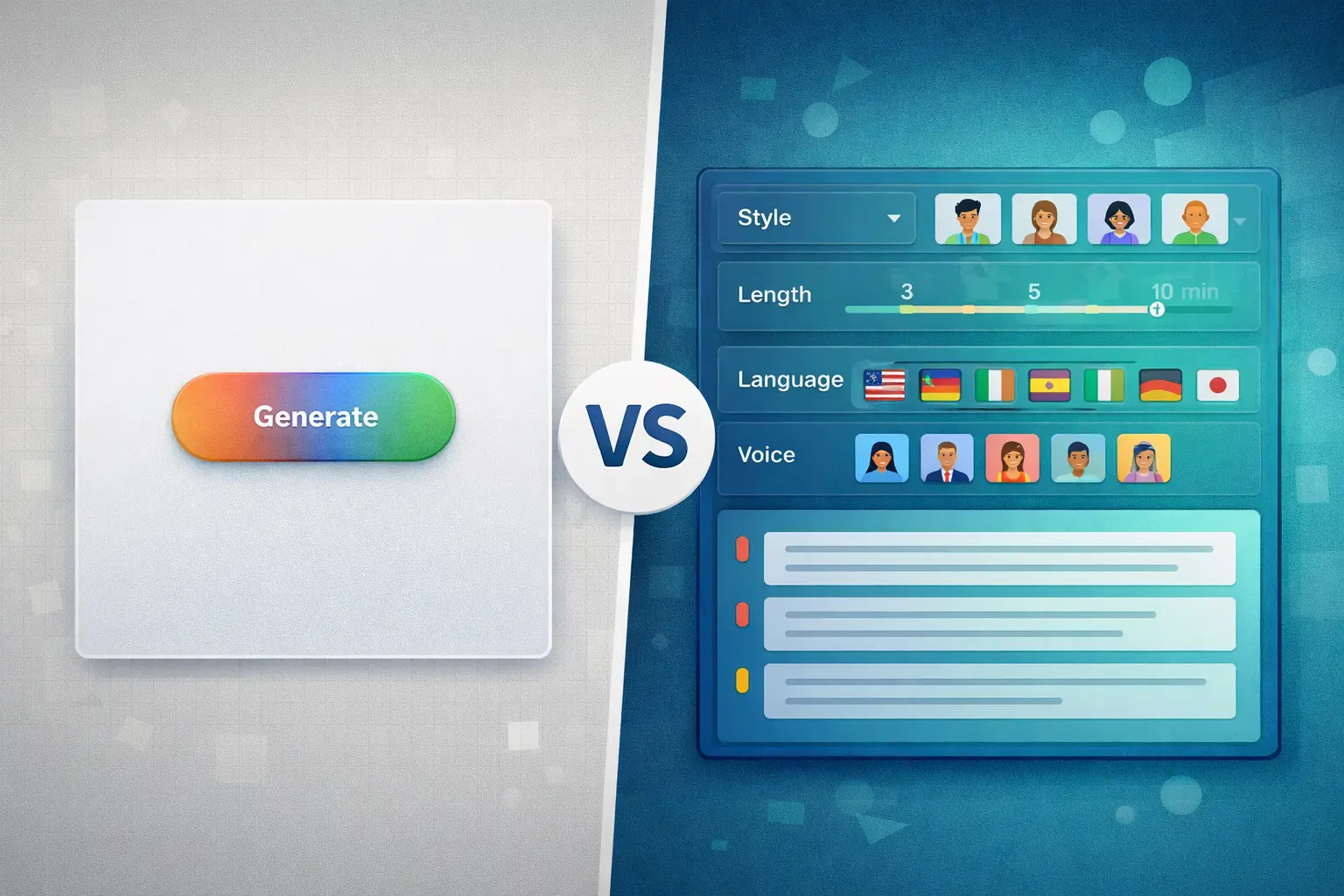
NotebookLM gives you almost no customization. Upload, click generate, receive whatever it produces.
TurboCast was built around customization — every variable is under your control.
🎯 Key difference: NotebookLM is one-click, zero-control. TurboCast is full-control, every-variable.
Output Format and Portability
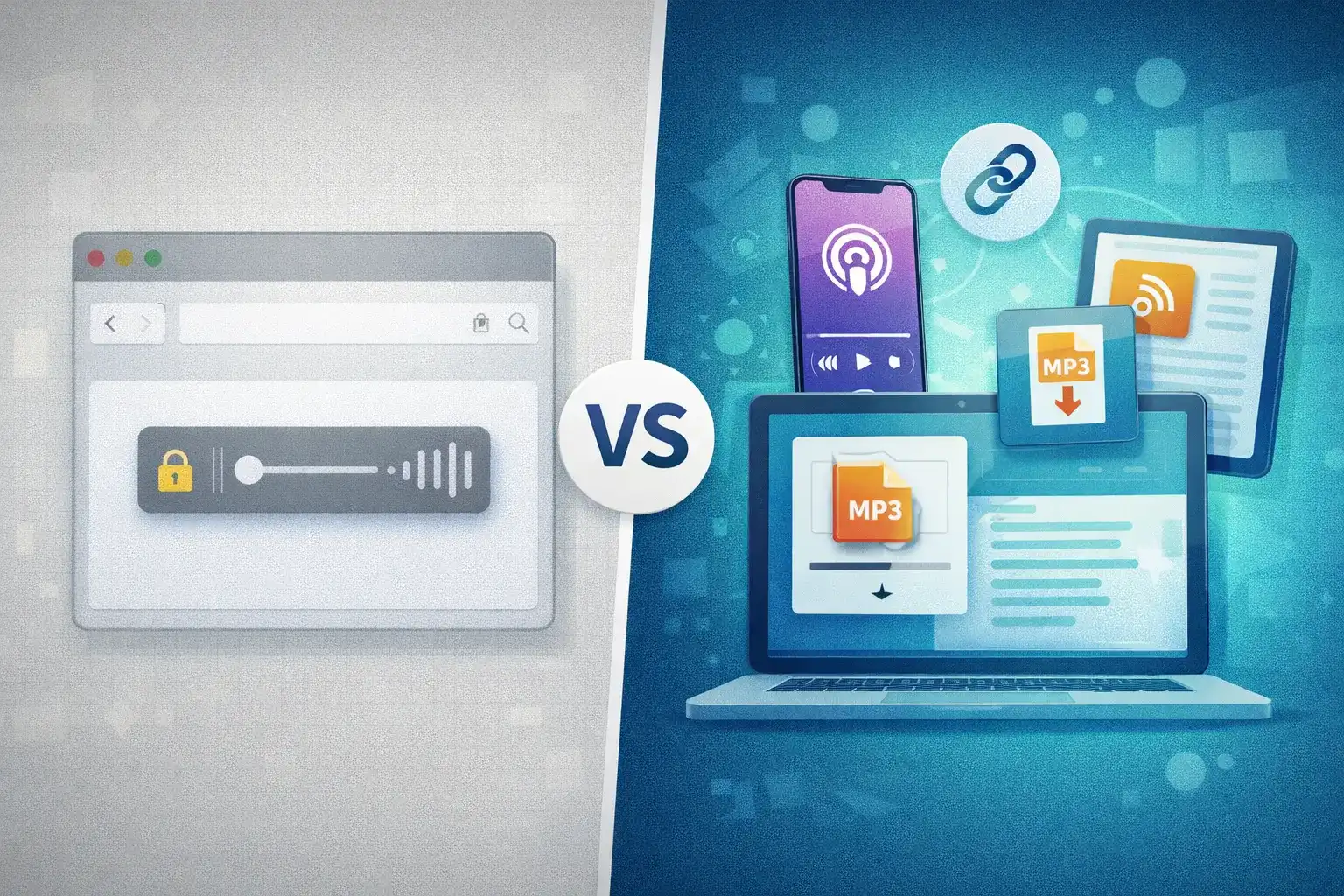
NotebookLM streams audio in the browser only. No official download option — you listen in the NotebookLM interface and that's it.
TurboCast outputs MP3 files you can download immediately, plus:
- 📥 MP3 download — Take it anywhere
- 📡 RSS feed — Subscribe in Apple Podcasts, Spotify, or any podcast app
- 🔗 Share links — Send audio to others
- 📋 Script export — Get the text alongside the audio
🎯 Key difference: NotebookLM locks audio in the browser. TurboCast gives you files, feeds, and links.
Script Editing
NotebookLM does not show you the script. You cannot review, adjust, or correct the content before or after generation.
TurboCast exposes the generated script. Edit it for accuracy, tone, or emphasis before synthesis — particularly valuable for technical content where AI might misrepresent a nuance.
🎯 Key difference: NotebookLM is a black box. TurboCast lets you review and edit the script.
Multi-Language Support
NotebookLM generates Audio Overviews in English only. Even if your sources are in another language, the audio output is English.
TurboCast supports audio generation in 30+ languages. Upload a French academic paper → get a French explanation. Upload an English article → get a Japanese podcast. Cross-language conversion happens in one step.
🎯 Key difference: This is a fundamental capability gap, not a minor feature difference.
Smart Notes and Transcripts
NotebookLM provides strong AI note-taking: ask questions, generate summaries, extract key ideas as text.
TurboCast offers Smart Notes alongside audio — structured summaries, chapter markers, key points. Transcripts include timestamps and export in multiple formats (TXT, SRT, VTT, PDF, DOCX).
🎯 Key difference: Both are strong here. NotebookLM is more interactive; TurboCast has better export options.
Privacy
NotebookLM processes documents within Google's infrastructure. Google states data isn't used for training, but it flows through Google's systems.
TurboCast operates independently of major platform ecosystems — worth considering for sensitive documents.
Usage Limits
NotebookLM allows 3 Audio Overviews per day per notebook. This limit cannot be increased through any paid plan.
TurboCast offers a free tier (audio extraction + transcription, 3/day). AI podcast generation uses credits — paid plans from $15/month (300 min).
Pricing Comparison
| Plan | NotebookLM | TurboCast |
|---|---|---|
| Free | ✅ 3 audio/day | ✅ Audio + transcript (3/day) |
| Entry | ~$20/mo (NotebookLM Plus) | $15/month (300 min) |
| Mid | — | $29/month (600 min) |
| Pro | — | $59/month (1,200 min) |
| Team | — | $79/month (1,800 min) |
Included free for all TurboCast paid users:
- ✅ Unlimited audio extraction
- ✅ Unlimited transcription (Smart Notes)
- ✅ Private RSS feed
- ✅ Batch upload and export
AI podcast generation: 1 credit per minute. See full pricing details.
Full Feature Comparison Table
| Feature | NotebookLM | TurboCast |
|---|---|---|
| Input: PDFs | ✅ | ✅ |
| Input: Article URLs | ✅ | ✅ |
| Input: Audio files | ✅ | ✅ |
| Input: Google Docs | ✅ | ❌ |
| Input: DOCX | ❌ | ✅ |
| Voice options | 2 fixed voices | 15+ voices |
| Languages (audio) | 🇺🇸 English only | 🌍 30+ languages |
| Narration styles | 1 (conversational) | 4 styles |
| Length control | ❌ Auto | ✅ 3/5/10 min |
| Script editing | ❌ | ✅ |
| MP3 download | ❌ | ✅ |
| RSS feed | ❌ | ✅ |
| Share links | ❌ | ✅ |
| Smart Notes | ✅ | ✅ |
| Free tier | ✅ (3/day) | ✅ (3/day) |
| Starting price | ~$20/mo | $15/mo |
| Platform | 🟢 Google ecosystem | 🔵 Standalone |
When to Choose NotebookLM
You Only Need Occasional English Overviews
If you upload a PDF a few times a week and just want a quick English audio summary, NotebookLM delivers real value with zero setup cost.
You Live in the Google Ecosystem
Native integration with Google Docs and Drive makes NotebookLM frictionless if you're already working in Google's tools.
You Prefer the Two-Host Conversation Format
Some users find the back-and-forth between two AI hosts more engaging than single-narrator audio. If that format specifically appeals to you, NotebookLM is the only option.
When to Choose TurboCast
You Need Non-English Audio
This is the clearest decision point. If you need audio in any language other than English — for learning, teaching, or serving a multilingual audience — TurboCast is the only option. NotebookLM doesn't support it.
You Want Full Control Over Output
Four narration styles, three length options, 15+ voices, 30+ languages, and script editing. If you have a specific use case in mind (e.g., a 5-minute Teacher explanation vs. a 10-minute Storyteller narrative), TurboCast lets you dial it in.
You Need Downloadable, Portable Audio
MP3 downloads, RSS feeds for podcast apps, shareable links. If you want to listen on your phone during a commute, share with a team, or build a private podcast feed, TurboCast's output options are far more practical.
You Process Documents at Volume
The credit-based system is designed for regular use. Convert research papers, reports, and articles into audio consistently — not limited to 3 per day with no upgrade path.
Can You Use Both?
Yes — and for some workflows it makes sense.
💡 Recommended split: Use NotebookLM for quick, casual English overviews when you want a fast two-host summary of something in Google Drive. Use TurboCast when you need control — specific language, specific style, downloadable output, or volume processing.
NotebookLM is great for a first pass. TurboCast is built for the final output.
The Verdict
| Category | TurboCast | NotebookLM |
|---|---|---|
| Customization | ⭐⭐⭐⭐⭐ | ⭐ |
| Language Support | ⭐⭐⭐⭐⭐ | ⭐ |
| Voice Options | ⭐⭐⭐⭐⭐ | ⭐⭐ |
| Audio Portability | ⭐⭐⭐⭐⭐ | ⭐⭐ |
| Free Tier Value | ⭐⭐⭐⭐ | ⭐⭐⭐⭐⭐ |
| Ease of Use | ⭐⭐⭐⭐ | ⭐⭐⭐⭐⭐ |
| Google Integration | ⭐⭐ | ⭐⭐⭐⭐⭐ |
| Best For | 🎓 Serious & multilingual use | 🟢 Casual English overviews |
NotebookLM set the bar for what AI audio generation should feel like — natural, intelligent, and free. For casual English-only use, it's hard to argue with.
TurboCast is built for serious work. Non-English languages, downloadable files, customized output, script editing, and volume processing put it in a different category for professional and educational use cases.
If you use Google Docs and just want occasional English overviews → start with NotebookLM. If you need anything beyond that → TurboCast is worth trying.
Frequently Asked Questions
Can NotebookLM generate podcasts in Spanish, French, or other languages?
No. As of 2026, NotebookLM's Audio Overview feature is English-only. Even if your source documents are in another language, the audio output will be in English. TurboCast supports 30+ languages for audio generation.
Can I download NotebookLM Audio Overviews as MP3 files?
Not officially. NotebookLM streams audio within its web interface and does not provide a download option. TurboCast generates MP3 files you can download, share, or add to an RSS podcast feed.
Is TurboCast free to use?
TurboCast has a free tier that includes audio extraction and transcription (up to 3 times per day). AI podcast generation uses a credits system — paid plans start at $15/month for 300 minutes. See the pricing page for full details.
Can I edit the AI-generated podcast script in either tool?
NotebookLM does not expose the underlying script. TurboCast shows the generated script and lets you edit it for accuracy, tone, or emphasis before finalizing. Especially useful for technical documents where precise language matters.
Which is better for students?
Both work well for students. NotebookLM is great for quick English summaries of assigned readings — free and frictionless. TurboCast is better for students who need audio in their native language, want to control the explanation depth (Teacher style), or need to download audio for offline listening during commutes.
Try TurboCast Free
Ready to generate your first AI podcast? Upload a PDF or paste an article URL at /ai-podcast-generator. No credit card required to start.
For a full walkthrough of the PDF-to-podcast workflow, see the PDF to Podcast guide.