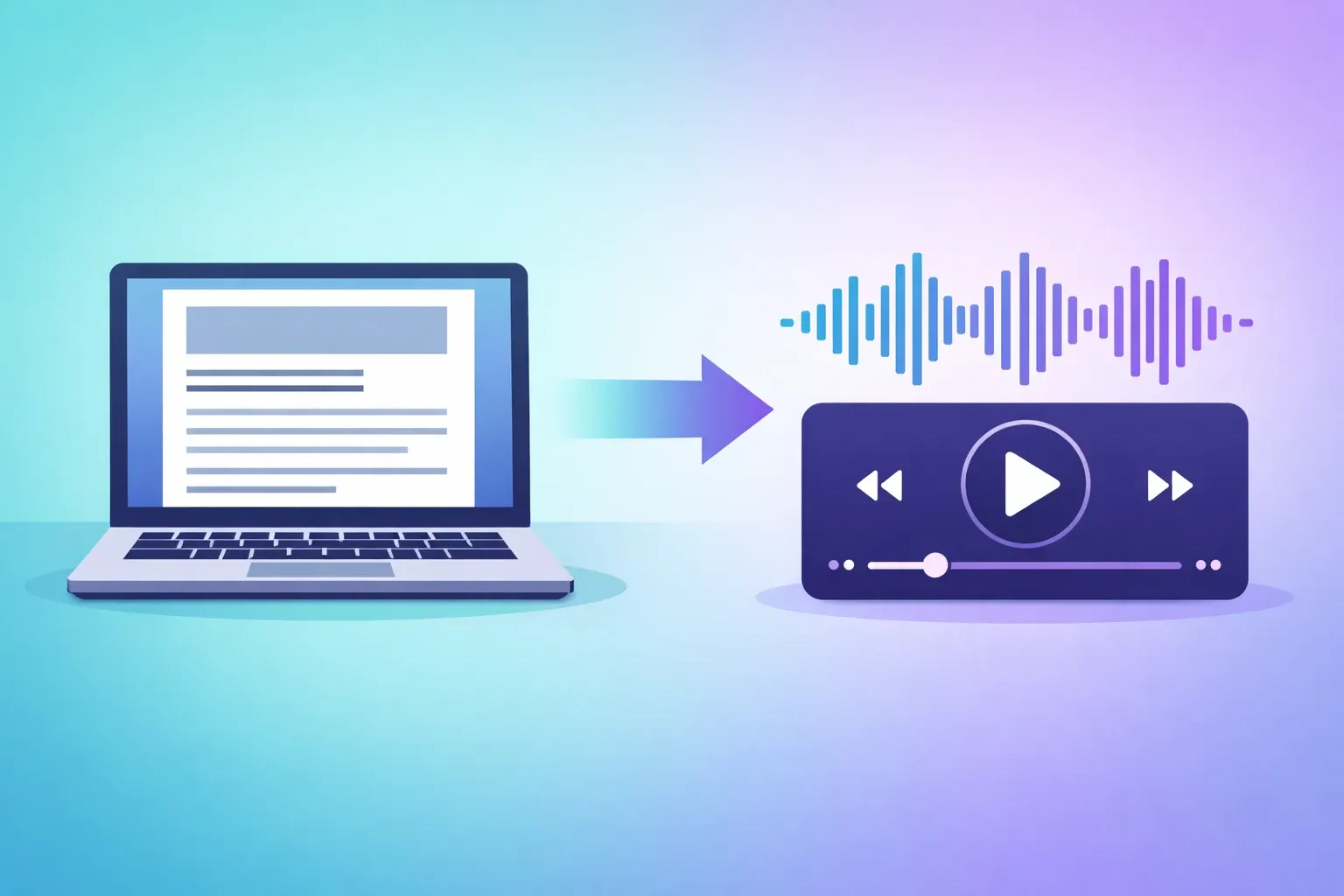
Content creators pour hours into writing blog posts — researching, drafting, editing, polishing. Then the post goes live and competes for attention in an increasingly crowded feed. The uncomfortable truth: a significant portion of your audience will never read it. Not because they aren't interested, but because they prefer to listen.
With a modern AI podcast generator, you can automatically turn any blog post into a polished, natural-sounding audio episode — in minutes, not hours. Here's everything you need to know.
Why Turn Blog Posts into Podcasts?
The case for converting written content into audio goes far beyond "reaching more people." There are several compounding benefits that make blog-to-podcast conversion one of the highest-ROI content strategies in 2026.
Reach Audio-First Audiences
📊 42% of Americans aged 12+ listen to podcasts weekly — Edison Research, 2025
These listeners aren't switching to reading. They consume content through podcast apps, car speakers, and earbuds during a run. If your content only exists as text, you're invisible to this entire audience segment.
Repurpose Content Without Extra Effort
You've already done the hard work: the research, the structure, the insights. An AI tool handles the transformation — turning your written words into a format that feels native to audio, not like someone reading a document out loud.
Boost SEO with Multimedia Content
Google increasingly rewards pages that offer multiple content formats. Embedding an audio player on your blog post:
- ⬆️ Increases dwell time significantly
- 📈 Signals engagement to search engines
- 🎯 Helps rank for voice-search queries
Increase Time-on-Site with Embedded Audio
When a visitor hits play, they stay on the page longer — often 3–5x longer than text-only visitors. Longer sessions signal to Google that your content is valuable and give your message more time to land.
Build a Podcast Audience from Your Archive
You don't need to start from scratch. Your blog archive is your backlog. By converting past articles into audio episodes and distributing them via RSS, you can launch a podcast feed that's already rich with content — without recording a single episode traditionally.
How to Convert Blog Posts to Podcasts with TurboCast
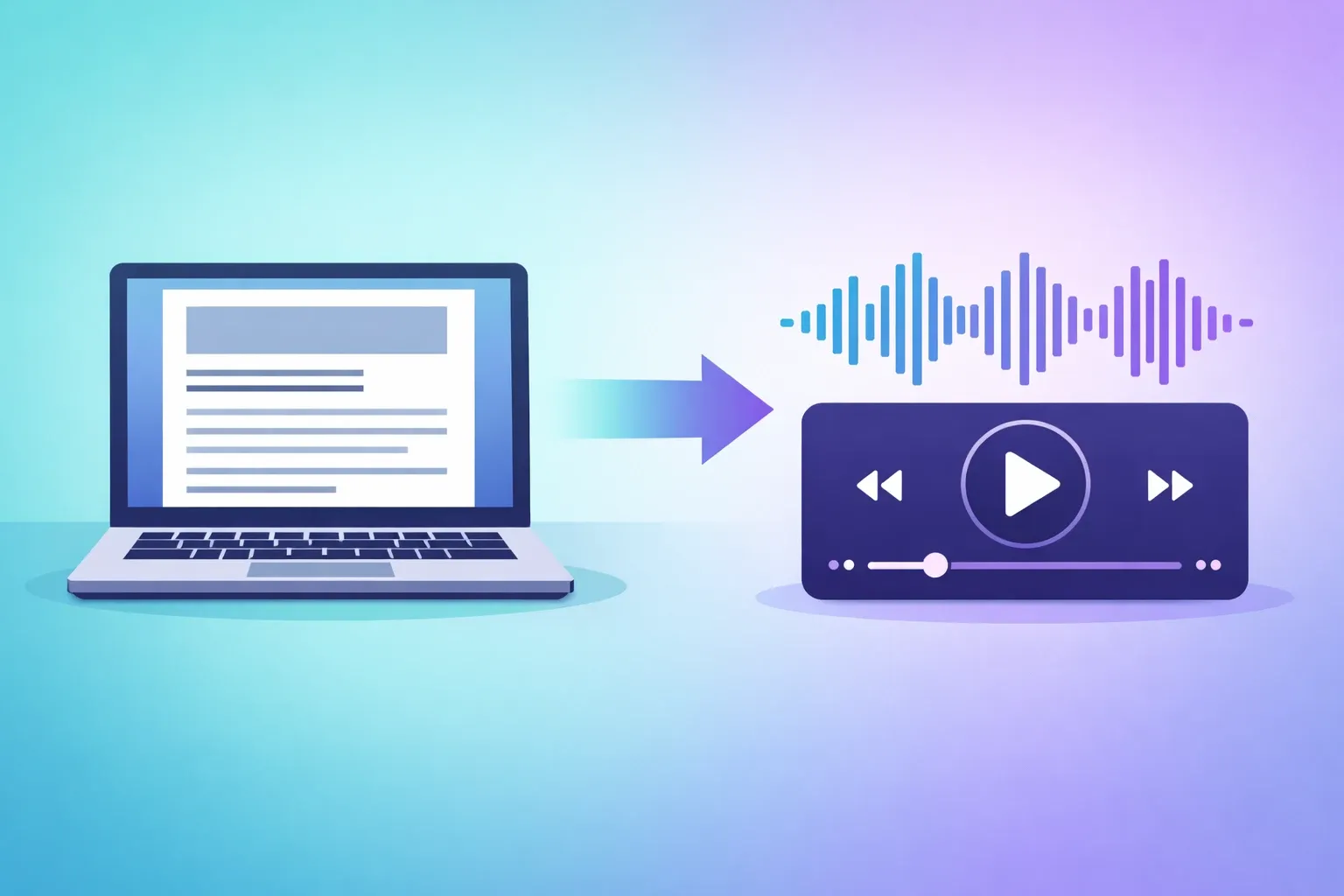
TurboCast's article to podcast tool is designed specifically for this workflow. Here's the step-by-step process.
Step 1: Open the Article-to-Podcast Tool
Navigate to the article-to-podcast tool. No account required to try it — sign up to save and export your episodes.
Step 2: Paste Your Blog URL or Text
You can either paste the full URL of a published blog post (TurboCast extracts the text automatically) or paste the article text directly for unpublished drafts. Both work equally well.
Step 3: Choose Your Narration Style
This is where AI podcast generation differs from basic text-to-speech. TurboCast offers four styles:
| Style | Best For | Tone |
|---|---|---|
| 🎙️ Podcast | How-to guides, opinion pieces | Conversational, engaging |
| 📋 Summary | News articles, long reports | Concise, distilled |
| 🎓 Teacher | Technical tutorials, educational content | Explanatory, methodical |
| 📖 Storyteller | Case studies, brand narratives | Narrative-driven, dramatic |
Step 4: Select Language and Voice
Choose the output language — useful if you write in English but want to reach a Spanish-speaking audience. Then pick a voice that matches your brand personality across multiple genders and accents.
Step 5: Generate and Download MP3
Hit generate. TurboCast uses Gemini's multimodal AI to understand your content, restructure it for audio, generate a natural script, and synthesize speech. The result: a polished MP3 file ready to use.
Step 6: Embed or Distribute via RSS
Two distribution options:
- Embed on your blog — Add an audio player directly on the post for visitors who prefer listening
- RSS feed — TurboCast adds your episode to a private feed that syncs to Apple Podcasts, Spotify, and other apps
⏱️ The entire process — from pasting a URL to downloading an MP3 — typically takes 2 to 5 minutes.
3 Approaches to Blog-to-Podcast: Compared
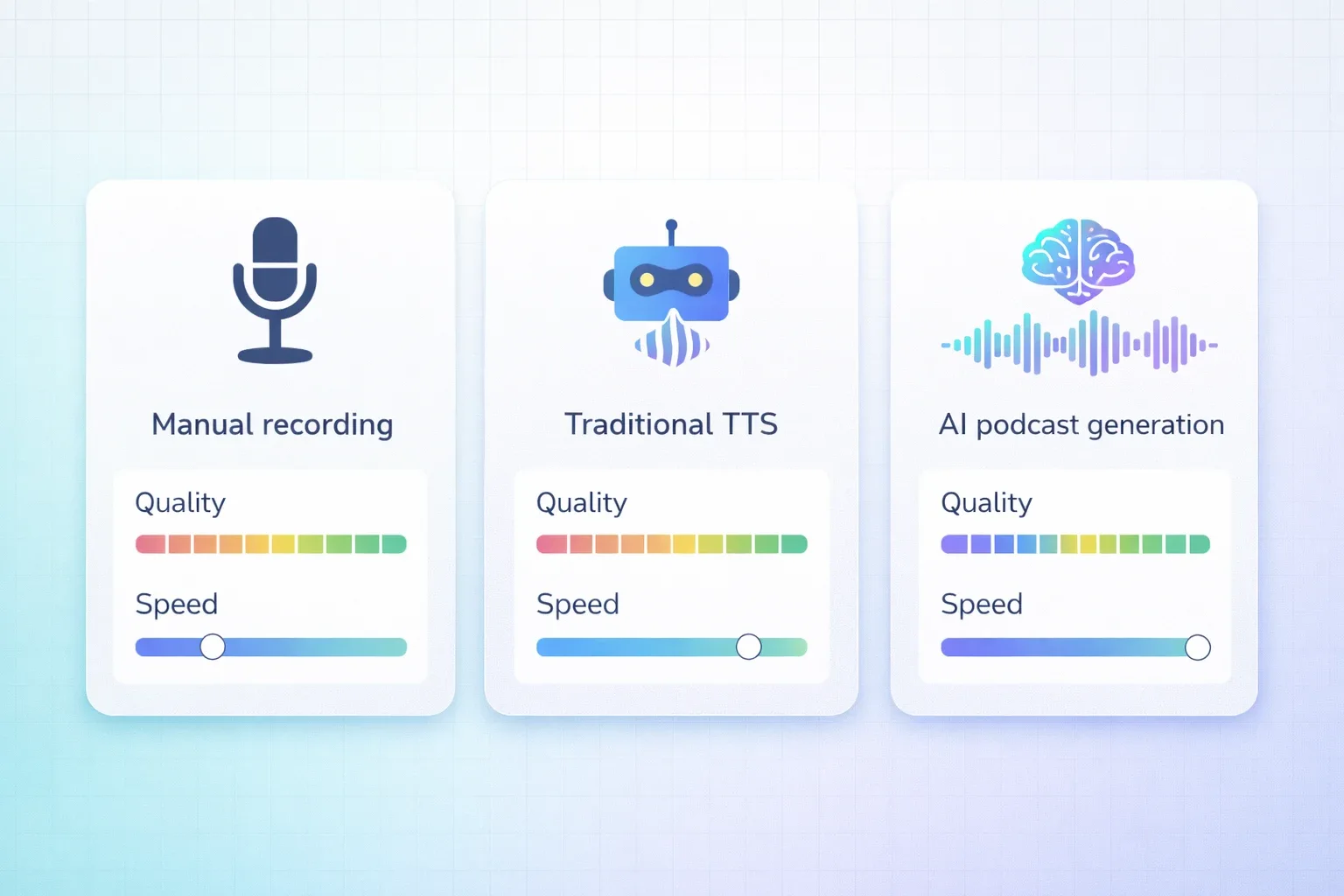
There are three main ways to turn written content into audio. Each has meaningful trade-offs.
| 🎤 Manual Recording | 🤖 Traditional TTS | 🧠 AI Podcast (TurboCast) | |
|---|---|---|---|
| Output Quality | ⭐⭐⭐⭐⭐ | ⭐⭐ | ⭐⭐⭐⭐ |
| Speed | ⭐⭐ | ⭐⭐⭐⭐⭐ | ⭐⭐⭐⭐⭐ |
| Natural Sound | ✅ Fully human | ❌ Robotic, flat | ✅ Natural, expressive |
| Content Adapted | ✅ You control it | ❌ Reads verbatim | ✅ Restructured for audio |
| Time per Post | 30–60 min | < 1 min | 2–5 min |
| Scalable | ❌ | ✅ | ✅ |
| Best For | Flagship episodes | Accessibility compliance | Daily/weekly content |
Manual Recording
Gives you the highest quality and human warmth. You control every pause, every emphasis. But recording a 1,500-word post takes 10–15 minutes of reading, plus setup, editing, and publishing. Not sustainable for multiple posts per week.
Traditional TTS
Fast and cheap, but the results are flat. Standard TTS reads your text exactly as written — including awkward parenthetical asides, SEO-heavy phrases, and section headings that don't translate to audio. Listeners can tell immediately.
AI Podcast Generation
Sits in a different category entirely. It doesn't just synthesize speech — it understands your content and restructures it for audio. Sentences are shortened. Headings become natural transitions. Lists convert to spoken enumeration. The output sounds like it was written to be heard.
💡 Recommendation: Use AI generation as your default. Save manual recording for your most important, signature episodes.
Tips for Blog-to-Podcast Success
Getting consistently good results comes down to a few practical habits.
Match Style to Content Type
- How-to guides → Podcast or Teacher style
- Opinion pieces → Podcast style (preserves author's voice)
- Technical deep-dives → Teacher style (explains jargon methodically)
- Case studies → Storyteller style
Experiment with one or two styles per content category and stick with what works.
Adjust Length Based on Post Length
Not every post needs a 10-minute episode. TurboCast offers three output lengths:
| Post Length | Recommended Output | Duration |
|---|---|---|
| Under 800 words | Short | ~3 min |
| 800–2,000 words | Medium | ~5 min |
| 2,000+ words | Long | ~10 min |
Use Teacher Style for Technical Posts
If your blog covers software, science, finance, or any specialized domain, Teacher style explains terms in context rather than assuming listener familiarity. This makes complex content accessible to a broader audience.
Create a Consistent Publishing Schedule
Treat your audio content like any podcast production:
- 📅 Publish audio episodes on the same day as blog posts
- 🔄 Batch-convert older posts and release them weekly
- 📊 Consistency builds an audience; sporadic publishing doesn't
Review the Script Before Publishing
TurboCast shows the generated script before audio is finalized. Spend 30 seconds scanning it — catch any product names that were misread, quotes paraphrased awkwardly, or sections that feel off-tone.

Real-World Use Cases
Solo Bloggers
A single creator maintaining a weekly blog can add audio without adding a second job. The audio version lives on the post, goes out to a podcast feed, and reaches a different audience segment — all from the same content investment.
Content Marketing Teams
SaaS companies and agencies use blog-to-podcast pipelines to extend the lifespan of cornerstone content. A 3,000-word guide that took two days to produce can now generate audio assets, LinkedIn audiograms, and podcast episodes — without additional writing.
Educational Platforms
Online course creators turn lesson transcripts, course blog posts, and tutorial articles into supplemental audio that students listen to during review. It fits naturally into mobile-first learning habits.
Newsletter Writers
Newsletter writers testing the audio format use AI generation to convert their best-performing issues first. Many start with a handful of conversions and graduate to a full podcast workflow once they see the audience response.
Blog-to-Podcast Checklist
Before you hit publish, make sure you've covered these essentials:
- ✅ Choose the right narration style — Match it to your content type
- ✅ Select appropriate length — Short for news, long for deep-dives
- ✅ Pick a consistent voice — Same voice across all episodes builds brand recognition
- ✅ Review the generated script — Quick scan for names, quotes, and tone
- ✅ Embed audio on the blog post — Boost dwell time and SEO signals
- ✅ Add to your RSS feed — Distribute to podcast apps automatically
- ✅ Publish on a schedule — Consistency builds your audio audience
- ✅ Track engagement metrics — Compare audio plays vs. page reads
Frequently Asked Questions
Can AI handle technical blog posts?
Yes. TurboCast's Teacher style is specifically designed for technical content. It explains jargon in context, breaks down complex concepts step by step, and maintains accuracy. For highly specialized content, review the generated script to ensure domain-specific terms are handled correctly.
What if my blog post has images, tables, or code blocks?
TurboCast focuses on the text content and intelligently skips elements that don't translate to audio (like code snippets and image captions). Tables are converted into spoken comparisons. The result is a clean audio experience without awkward pauses or nonsensical readings.
Can I convert my entire blog archive at once?
TurboCast supports batch processing — you can upload multiple posts and convert them in a queue. This is ideal for launching a podcast feed from your existing content library without converting articles one by one.
How does AI podcast generation differ from just using text-to-speech?
Traditional TTS reads your text word-for-word in a flat, robotic voice. AI podcast generation understands the content first, then restructures it for audio: shortening sentences, adding natural transitions, converting lists to spoken format, and synthesizing speech with expressive intonation. The difference is immediately noticeable.
Is there a free option to try it?
Yes. Free users can extract audio and generate transcripts up to 3 times per day. To generate AI podcast episodes, you'll need a paid plan starting at $15/month with 300 minutes of podcast generation.
Start Converting Your Blog Today
Your blog archive already contains everything you need to launch a podcast. The only missing piece is the conversion.
You can also explore related workflows: text to podcast for pasting raw content, or the full AI podcast generator for converting video and audio sources.
👉 Try the article to podcast tool now — paste your first blog post URL and have a finished audio episode in under five minutes.