TurboCastTurboCast

AI Image Generator

Turn any idea into a studio-quality image in seconds, with the best AI model for every job.

  • Powered by Nano Banana & GPT Image
  • Switch between 8 top models
  • From 1 credit per image
  • Failed images auto-refunded
0 / 3,000

Try with one of these

What Is the TurboCast AI Image Generator?

The TurboCast AI image generator handles text to image and image to image: it turns a prompt or a reference photo into finished images. It runs 8 leading models from Google, OpenAI, ByteDance, Black Forest Labs, xAI and Ideogram, with output up to 4K and no watermark.

8 AI image models from 6 labs

8

AI image models from 6 labs

1–7 credits per image, refunded if it fails

1–7

credits per image, refunded if it fails

4K top resolution on Nano Banana and GPT Image

4K

top resolution on Nano Banana and GPT Image

How to Use the AI Image Generator in 4 Steps

The AI image generator takes you from idea to download in about a minute. No design software and no prompt course needed.

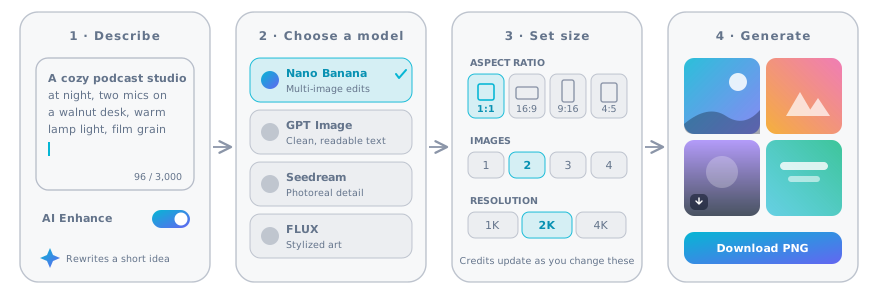
Four steps in the AI image generator: describe the image, choose a model, set the size, then generate and download
  1. 1.Describe what you want to see

    Type the subject, the setting and the mood. One clear sentence is enough to start. Keep AI Enhance on and the AI image generator adds lighting and composition details for you.

    Pro tip

    Put any words that must appear in the image inside quotes, like "LATE SHIFT". Quoted text is far more likely to be spelled right.

  2. 2.Choose a model for the job

    Open the model menu and pick from 8 models. Nano Banana 2.1 is the default all-rounder. GPT Image 2.5 and Nano Banana Pro handle text best, and Seedream 5.0 Pro shines at photoreal people and products.

    Pro tip

    Testing an idea? Run it on Seedream 5.0 Flash for 1 credit, then rerun the winner on a stronger model.

  3. 3.Set the aspect ratio, count and resolution

    Pick the ratio of the place the image will live, such as 1:1 for posts or 16:9 for YouTube. Choose 1 to 4 images per run and up to 4K. The credit cost updates as you go.

    Pro tip

    Add up to 6 reference images to keep a character, product or layout consistent across runs.

  4. 4.Generate, compare and download

    Most images arrive in 15 to 90 seconds. Download full-resolution files with no watermark, or send one back as a reference with Img to Img.

    Pro tip

    You can close the tab. Finished images are saved to your recent runs, and any image that fails is refunded automatically.

Original test

Same Prompt, 8 AI Image Models: The Results

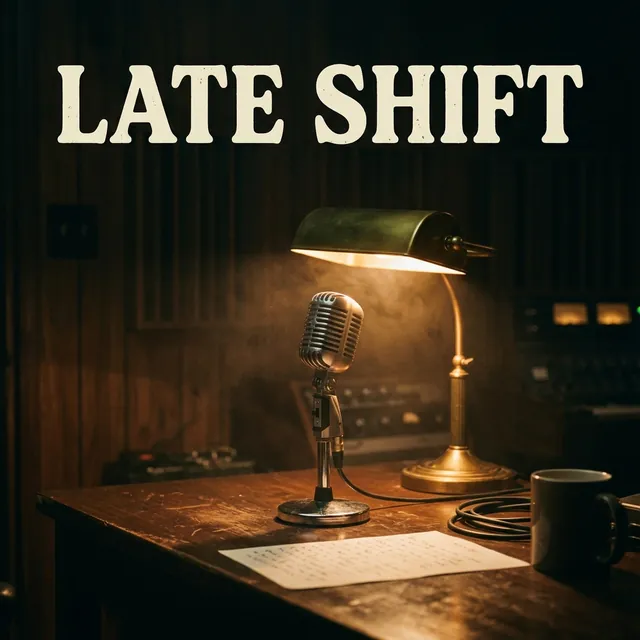
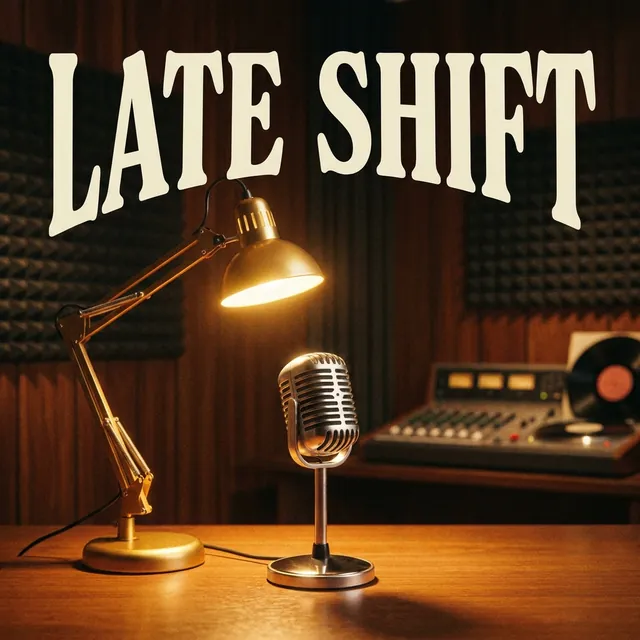
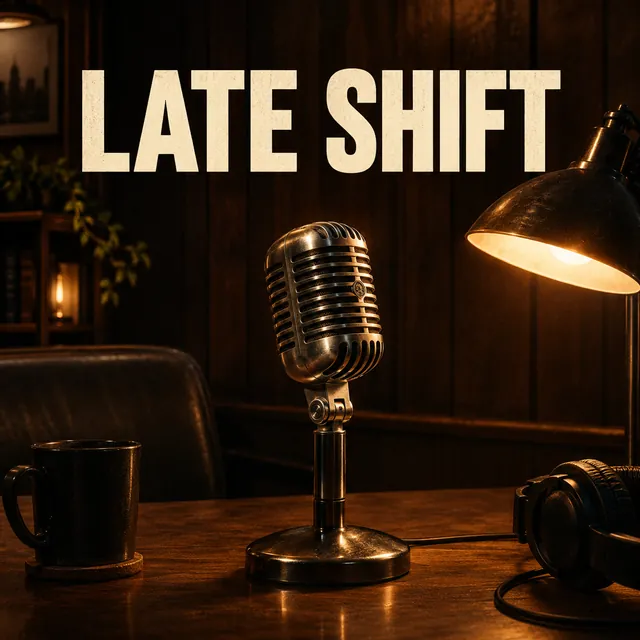
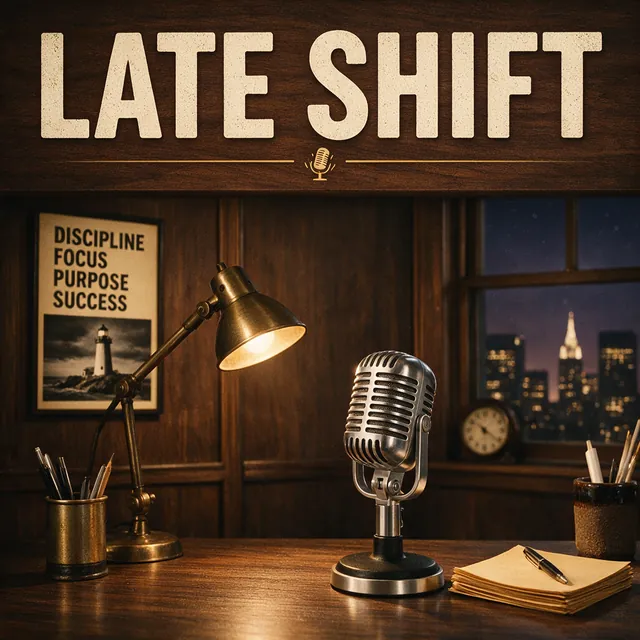
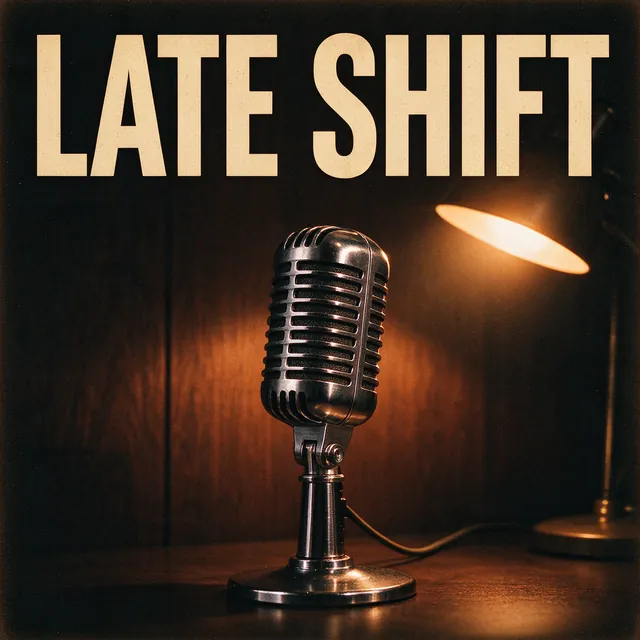
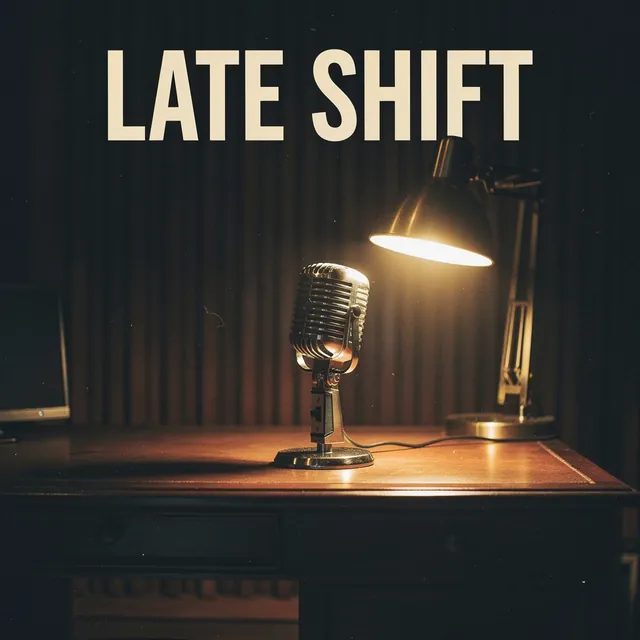
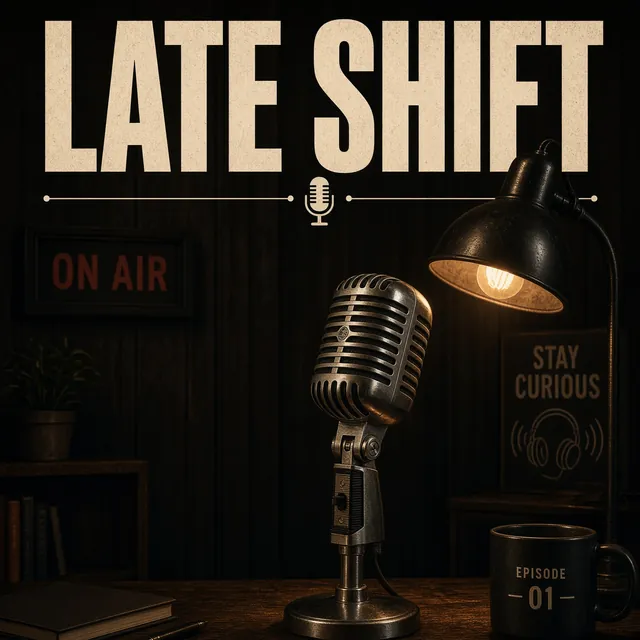
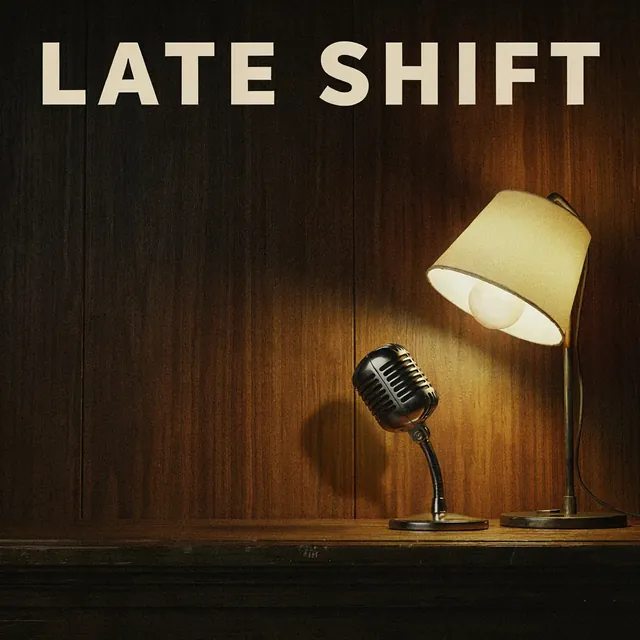
We ran one podcast cover prompt through every model in this AI image generator on the same day. Then we sent one reference photo through five of them. One run each, no retouching, no cherry-picking.

Text to image: one prompt, eight models

Square format, each model at its lowest resolution. The credits and seconds under each image are what that run cost and how long it took.

Prompt

Podcast cover art for a show called "LATE SHIFT": a vintage chrome microphone under a warm desk lamp in a dark wood-panelled studio, soft film grain, the title "LATE SHIFT" in bold cream letters across the top.

AI image generator test result from Nano Banana 2.1
Nano Banana 2.1237s
AI image generator test result from Nano Banana Pro
Nano Banana Pro632s
AI image generator test result from GPT Image 2.5
GPT Image 2.5282s
AI image generator test result from Seedream 5.0 Pro
Seedream 5.0 Pro276s
AI image generator test result from Seedream 5.0 Flash
Seedream 5.0 Flash121s
AI image generator test result from FLUX.2 Pro
FLUX.2 Pro2143s
AI image generator test result from Grok Imagine 2.0
Grok Imagine 2.0248s
AI image generator test result from Ideogram 3.0
Ideogram 3.02106s

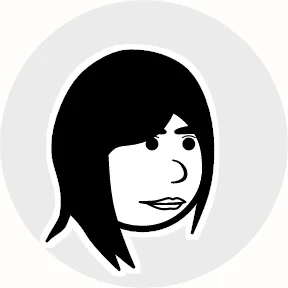
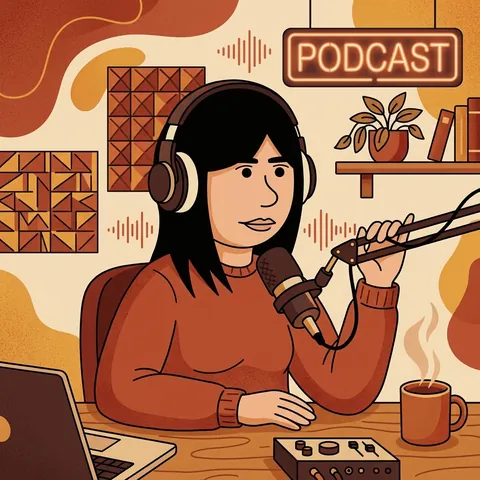
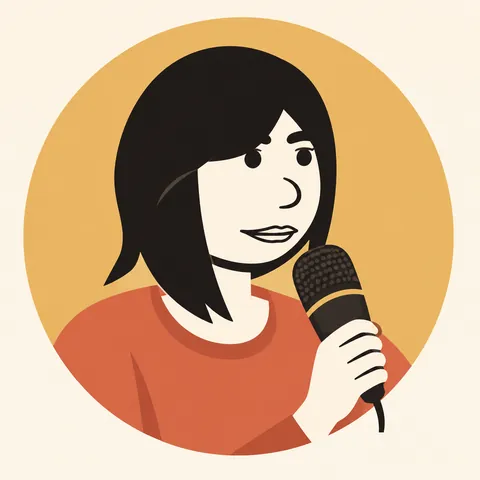
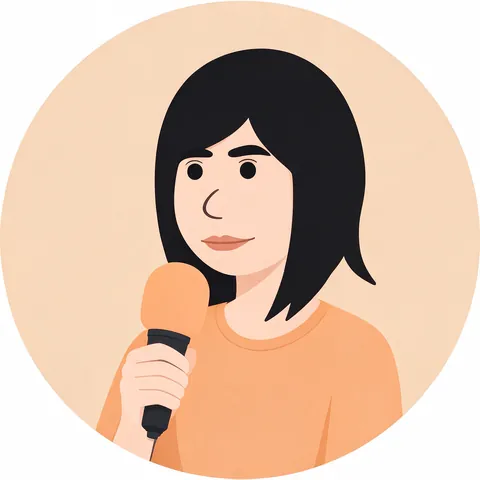
Image to image: one reference, five models

The same instruction applied to the same reference photo. Each model kept the likeness in its own way.

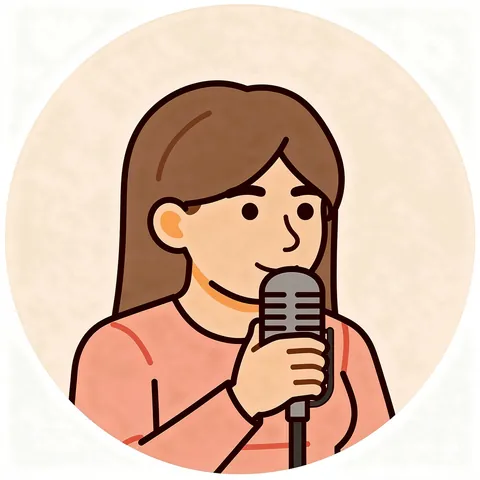
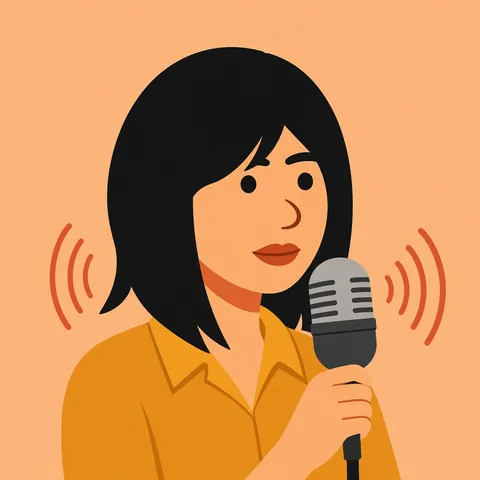
“Turn the person in the reference image into a flat vector podcast host illustration holding a microphone, warm palette.”

Reference portrait used for the image to image test
Reference
Image to image result by Nano Banana 2.1
Nano Banana 2.1
Image to image result by GPT Image 2.5
GPT Image 2.5
Image to image result by Seedream 5.0 Flash
Seedream 5.0 Flash
Image to image result by FLUX.2 Pro
FLUX.2 Pro
Image to image result by Grok Imagine 2.0
Grok Imagine 2.0

What we noticed

  • All 8 models spelled the title "LATE SHIFT" correctly on the first try.
  • Seedream 5.0 Pro and Nano Banana Pro produced the richest detail and lighting.
  • Seedream 5.0 Flash finished first, in 21 seconds, for 1 credit.
  • FLUX.2 Pro was the slowest in this run at 143 seconds. Speed depends on queue load.
  • In the edit test, Nano Banana 2.1 built the fullest scene, while GPT Image 2.5 stayed closest to the reference.

One run per model on October 17, 2026. Times include queue time and change from day to day.

Which AI Image Model Should You Use?

Every model in this AI image generator has a sweet spot. Compare them in the table, then read the cards to see when each one shines.

All 8 models at a glance

ModelBest forCreditsMax resolutionReference imagesTypical time
Nano Banana 2.1Everyday images and edits2–34K615–60 s
Nano Banana ProPosters, covers and on-image text6–74K630–90 s
GPT Image 2.5Long prompts and clean text2–54K630–120 s
Seedream 5.0 ProPhotoreal people and products2–42K620–80 s
Seedream 5.0 FlashFast, low-cost drafts12K610–30 s
FLUX.2 ProStylized art and illustration22K630–150 s
Grok Imagine 2.0Quick, bold visuals2≈1K510–50 s
Ideogram 3.0Logos, titles and lettering1–3≈1KNone20–110 s

Credits are per image. Times are typical ranges and grow when providers are busy.

Nano Banana 2.1

Google

Google's fast all-rounder and our default. It follows prompts well, edits with up to 6 references and reaches 4K for 3 credits.

Best for

Everyday images and edits

Credits

  • 1K2 credits
  • 2K2 credits
  • 4K3 credits

Limits

  • Up to 6 reference images
  • 10 aspect ratios
  • Up to 4K

Nano Banana Pro

Google

Google's flagship image model. It costs more, but it gets small text, layout and lighting right more often than anything else here.

Best for

Posters, covers and on-image text

Credits

  • 1K6 credits
  • 2K6 credits
  • 4K7 credits

Limits

  • Up to 6 reference images
  • 10 aspect ratios
  • Up to 4K

GPT Image 2.5

OpenAI

OpenAI's latest image model reads long, detailed prompts closely. Pick it for thumbnails, infographics and anything with words.

Best for

Long prompts and clean text

Credits

  • 1K2 credits
  • 2K3 credits
  • 4K5 credits

Limits

  • Up to 6 reference images
  • 8 aspect ratios
  • Up to 4K

Seedream 5.0 Pro

ByteDance

ByteDance's pro model renders skin, fabric and materials with high realism. A strong choice for portraits, e-commerce and brand shots.

Best for

Photoreal people and products

Credits

  • 1K2 credits
  • 2K4 credits

Limits

  • Up to 6 reference images
  • 8 aspect ratios
  • Up to 2K

Seedream 5.0 Flash

ByteDance

The cheapest model at 1 credit per image. Use it to explore ideas quickly before you commit to a pricier model.

Best for

Fast, low-cost drafts

Credits

  • 1K1 credits
  • 2K1 credits

Limits

  • Up to 6 reference images
  • 8 aspect ratios
  • Up to 2K

FLUX.2 Pro

Black Forest Labs

Black Forest Labs' model is known for crisp detail and confident composition in illustrated and 3D styles.

Best for

Stylized art and illustration

Credits

  • 1K2 credits
  • 2K2 credits

Limits

  • Up to 6 reference images
  • 7 aspect ratios
  • Up to 2K

Grok Imagine 2.0

xAI

xAI's image model is fast and playful, with punchy color. It edits with up to 5 reference images.

Best for

Quick, bold visuals

Credits

  • Per image2 credits

Limits

  • Up to 5 reference images
  • 5 aspect ratios
  • Up to ≈1K

Ideogram 3.0

Ideogram

Ideogram is built around typography. Choose Turbo, Balanced or Quality to trade speed for polish. It works from text only.

Best for

Logos, titles and lettering

Credits

  • Turbo1 credits
  • Balanced2 credits
  • Quality3 credits

Limits

  • Text prompts only
  • 5 aspect ratios
  • Up to ≈1K

Everything You Need in One AI Image Generator

Built for creators who need finished visuals, not experiments.

Up to 6 reference images

Upload photos, products or sketches and keep their look. Mix several references in one prompt.

10 aspect ratios

From 21:9 banners to 9:16 Stories, so you never crop a finished image.

Up to 4K output

Print-ready detail on Nano Banana and GPT Image, and 2K on most other models.

24 style presets

Photograph, anime, watercolor, 3D and more. The style travels separately, so your prompt stays clean.

AI Enhance

Turns a five-word idea into a detailed prompt while keeping every name and quoted word.

Private by default

Your prompts and images stay in your account. Nothing goes to a public feed.

No watermark

Download full-resolution files without a visible logo or stamp.

Commercial use

Use your images in ads, products and client work on any paid plan.

Edit and Combine Images With Image to Image

Upload a reference and tell the AI image generator what to change. It keeps what matters and rewrites the rest.

Keep a character consistent

Use the same face or mascot across a whole series of covers and posts.

Restyle a photo

Turn a snapshot into a watercolor, a 3D render or a flat vector illustration.

Combine up to 6 images

Put the product from one photo into the scene from another in a single run.

Choose the Right Aspect Ratio Before You Generate

Every platform has a native shape. Set it in the AI image generator first and titles and faces stay inside the frame.

Square 1:1 for posts and covers

Instagram posts, profile art and podcast covers. Apple Podcasts and Spotify show covers as squares.

Landscape 16:9 for YouTube and slides

Thumbnails, presentation slides and blog banners. Use 21:9 for wide website heroes.

Vertical 9:16 and 4:5 for mobile

Reels, Shorts and Stories use 9:16. The tall Instagram feed post is 4:5.

What You Can Create With an AI Image Generator

Six jobs creators hand to an AI image generator every week, with the model and ratio we would start with.

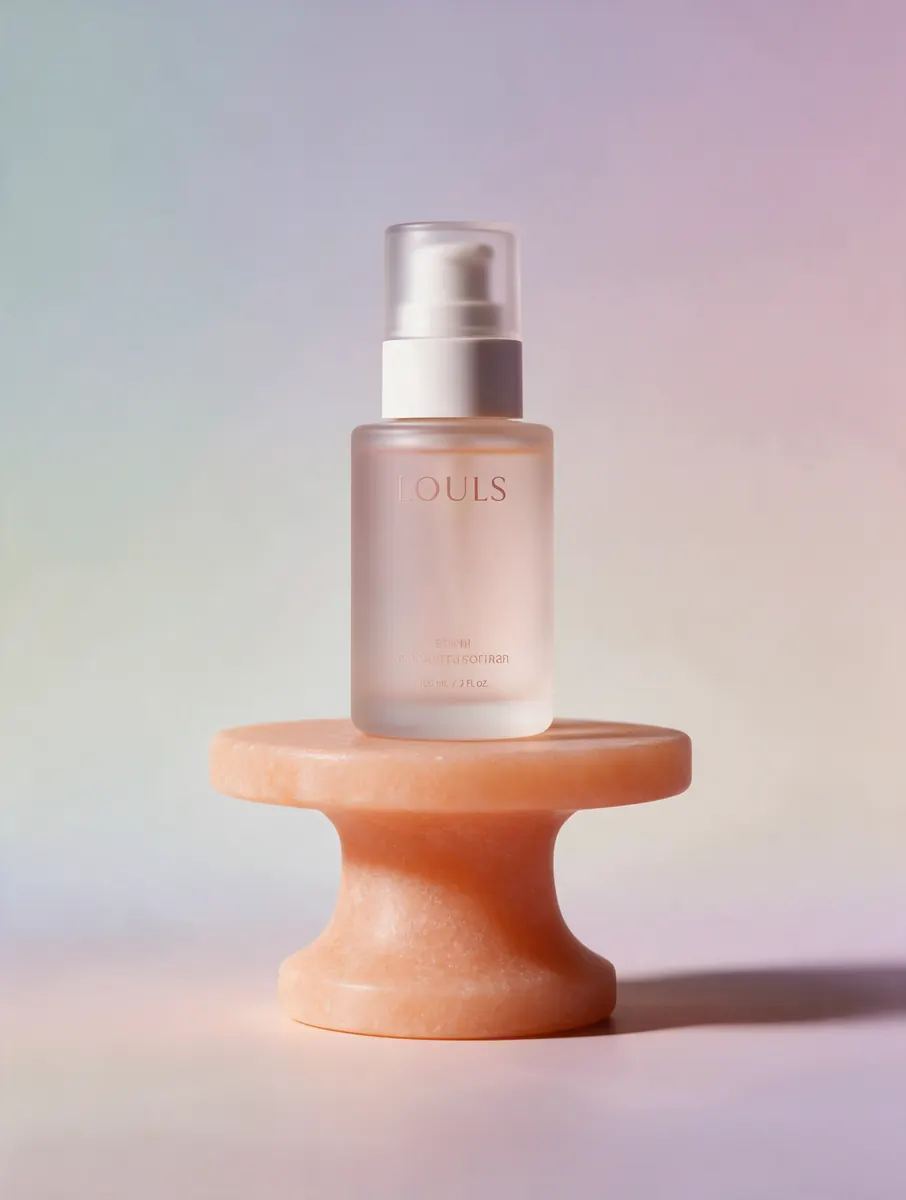
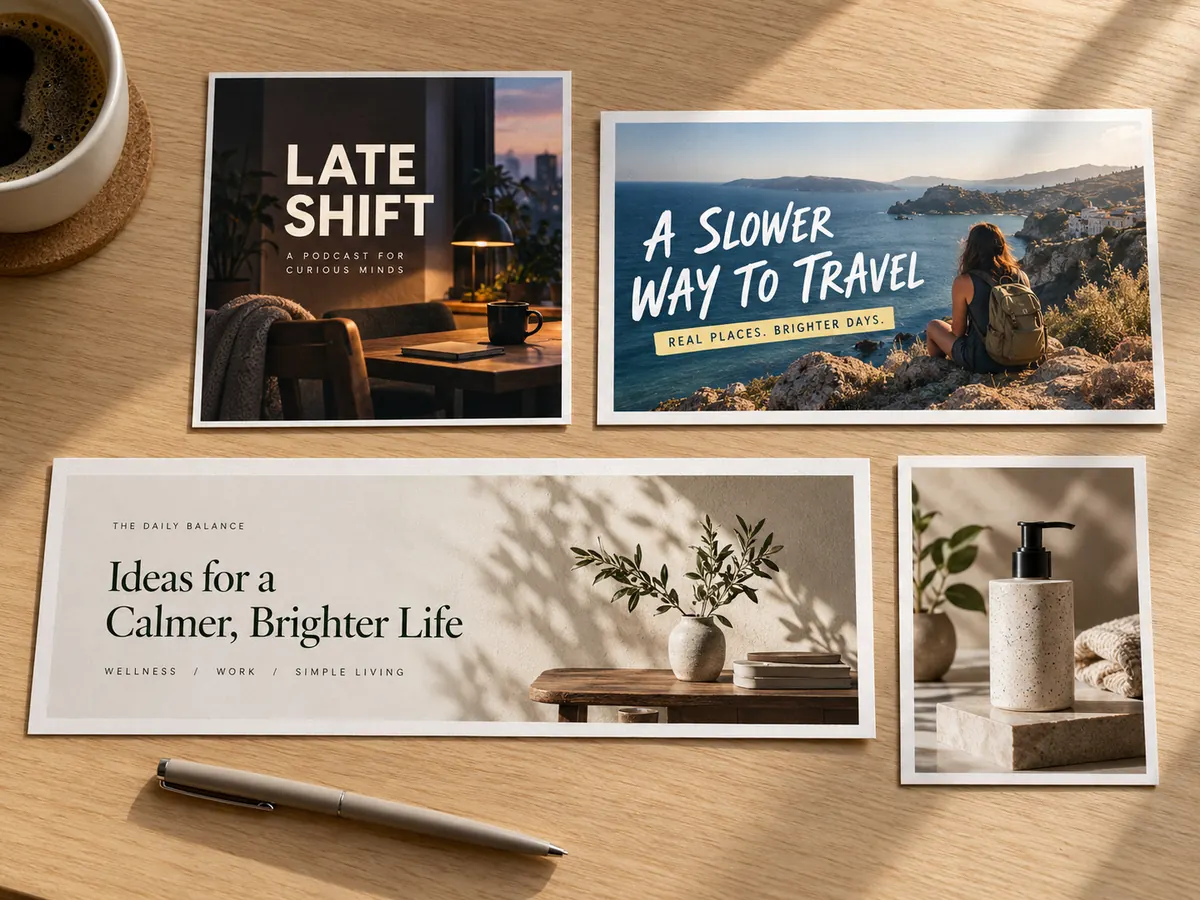
Four formats made with an AI image generator on a wooden desk: a Late Shift podcast cover, a travel YouTube thumbnail, a calm-living blog header and a skincare product shot

Podcast and audiobook covers

Design a square cover with the show title in it, then match episode art in the same style. Covers must read at thumbnail size, so keep the title short.

Best model

Nano Banana Pro

Best ratio

1:1

Turn your script into an AI podcast

YouTube thumbnails

Big faces, bold words and high contrast win the click. Generate a few versions and test them against each other.

Best model

GPT Image 2.5

Best ratio

16:9

Add AI visuals to a podcast video

Blog and newsletter headers

Replace generic stock photos with an image that fits the article. Editorial and minimal styles keep the page calm.

Best model

Seedream 5.0 Pro

Best ratio

3:2

Social posts and ads

Produce on-brand visuals for every channel from one prompt. Switch the ratio, keep the style.

Best model

Nano Banana 2.1

Best ratio

4:5

Product and e-commerce shots

Place a product on a clean pedestal or in a lifestyle scene. Upload the real product as a reference to keep its shape.

Best model

Seedream 5.0 Pro

Best ratio

4:5

Study visuals and diagrams

Illustrate a lecture, label a process or make a memorable flashcard image. Ask for short labels in quotes.

Best model

Nano Banana 2.1

Best ratio

4:3

Take AI notes for the same lecture

How to Write Prompts for an AI Image Generator

Strong prompts read like a director's brief. Cover six things and most results land on the first try.

Start with the subject and setting

Say who or what is in the picture and where it is. "A golden retriever in headphones in a recording booth" beats "dog podcast".

Add style, light and camera

Name a style, the lighting and the framing, such as "3D film still, warm rim light, close-up".

Quote the text you need

Put titles in quotes and keep them short. Pick a text-strong model for anything longer than a few words.

5 Prompt Mistakes to Avoid

Most weak results trace back to one of these.

Five subjects and three styles in one prompt confuse every model. Split them into separate runs.

TurboCast vs Single-Model Image Generators

Most image apps are built around one model. Here is what changes when your AI image generator lets you switch models for every image.

What you getSingle-model image appsTurboCast AI Image Generator
ModelsOne in-house or partner model8 models from Google, OpenAI, ByteDance, Black Forest Labs, xAI and Ideogram
Switch model per imageYes, from the same prompt box
How you payA separate image subscriptionCredits shared with AI podcasts, voice and text to speech
Visible watermarkCommon on free and entry tiersNone
Reference imagesOften one, sometimes noneUp to 6, depending on the model
Images that failOften still count against your quotaRefunded automatically
Turn images into audio contentAI podcasts, voiceovers and transcripts in the same account

How Credits Work in the AI Image Generator

Each image costs 1 to 7 credits depending on the model and resolution. A run of 4 images costs four times the per-image price, and the total shows on the Generate button before you click.

Credits come from your TurboCast plan and are shared with AI podcasts, text to speech and voice cloning. Starter includes 300 credits a month. That covers 150 images on Nano Banana 2.1 or 300 drafts on Seedream 5.0 Flash.

Credits are reserved when a run starts. If an image fails or a provider refuses the prompt, the credits for that image return to your balance automatically, usually within a minute.

The AI image generator is part of every paid plan rather than a free tool. That keeps generations fast, files watermark-free and commercial use included.

Commercial Use, Privacy and Safety

The short version of what you can do with images from the AI image generator, and what we don't generate.

You can use images you create on a paid plan for personal and commercial work, including ads and client projects. The model providers don't claim ownership of outputs. Avoid prompts that copy trademarks or a living artist's signature work.

AI Image Generator FAQ

Quick answers about models, credits, rights and privacy.


Create Your First AI Image

Pick a model in the AI image generator, describe your idea and download a finished image in about a minute. Included in every paid plan.