Every day, millions of people search for ways to convert YouTube videos to MP3. Whether you want to listen to music offline, save educational content for your commute, or extract audio from a podcast video, converting YouTube to MP3 is one of the most common tasks on the internet.
This comprehensive guide covers everything you need to know: the best methods to convert YouTube to MP3, how to do it legally and safely, quality considerations, and even advanced techniques like AI-powered transcription that go beyond simple audio extraction.
💡 Quick Tip: This guide doesn't just cover basic MP3 downloads. We'll also show you how to get full text transcripts, AI-generated summaries, and podcast-style audio explanations from any YouTube video.
What Does "YouTube to MP3" Actually Mean?
When people talk about "converting YouTube to MP3," they're referring to the process of extracting the audio track from a YouTube video and saving it as an MP3 file on their device.
Here's the key distinction between three related concepts:
- Download: Saving the entire video file (video + audio)
- Extract: Pulling out just the audio track from the video container
- Convert: Changing the audio format (e.g., from AAC to MP3)
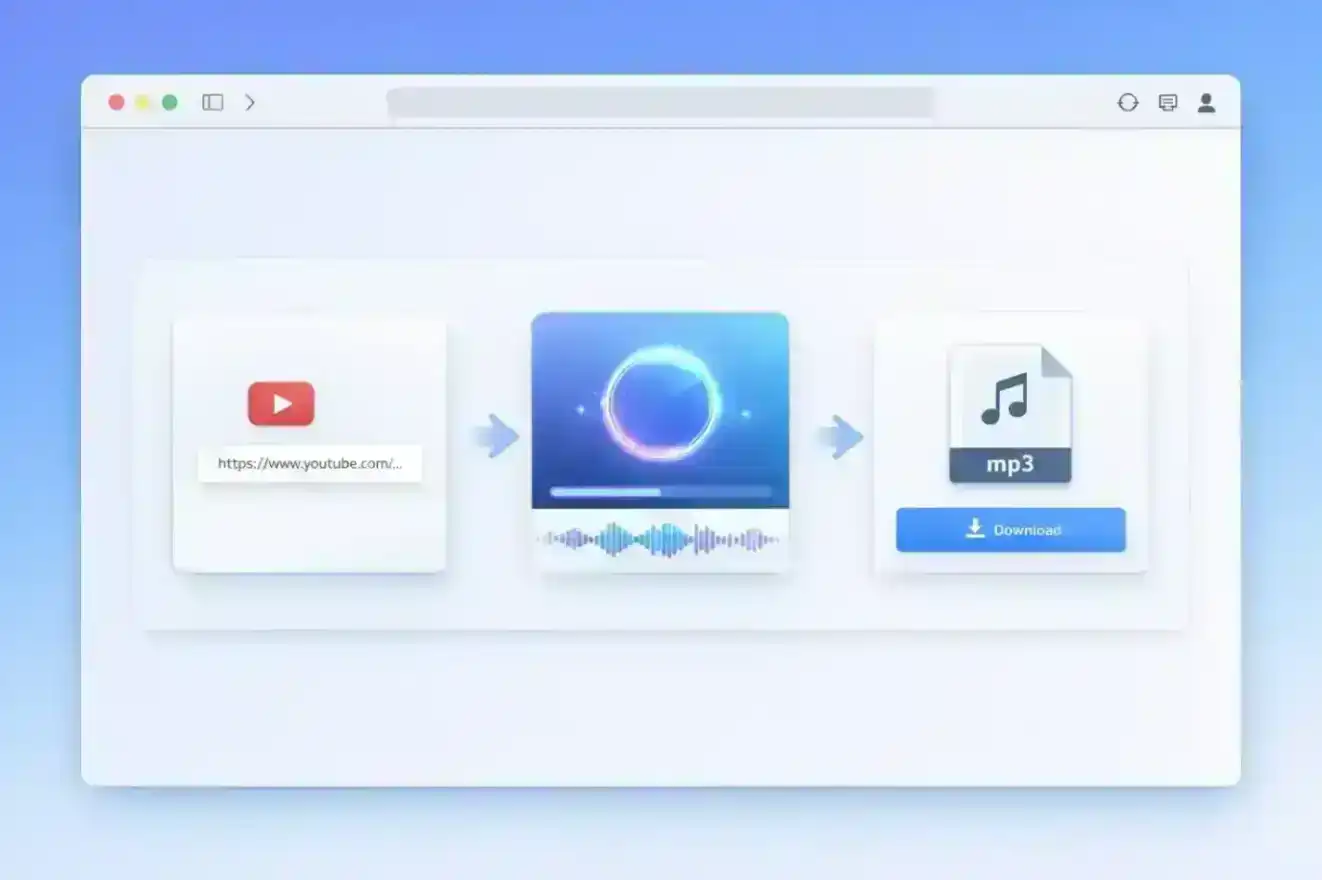
The typical workflow looks like this:
🎬 YouTube Video → 🔊 Audio Track → 🎵 MP3 FileMost "YouTube to MP3 converters" actually do all three steps: they download the video, extract the audio, and convert it to MP3 format in one seamless process.
How to Convert YouTube to MP3 (4 Methods Compared)
There are four main approaches to converting YouTube videos to MP3. Here's a quick comparison:
| Method | Speed | Quality | Safety | Cost |
|---|---|---|---|---|
| 🌐 Online Converter | ⚡ Fast | ⭐⭐⭐ | ⚠️ Varies | Free |
| 💻 Desktop Software | ⚡ Fast | ⭐⭐⭐⭐⭐ | ✅ Safe | Free/Paid |
| 🧩 Browser Extension | ⚡⚡ Fastest | ⭐⭐⭐ | ⚠️ Varies | Free |
| 🤖 AI Transcriber Tool | ⚡ Fast | ⭐⭐⭐⭐⭐ | ✅ Safe | Free/Paid |
Method 1 — Use an Online YouTube to MP3 Converter
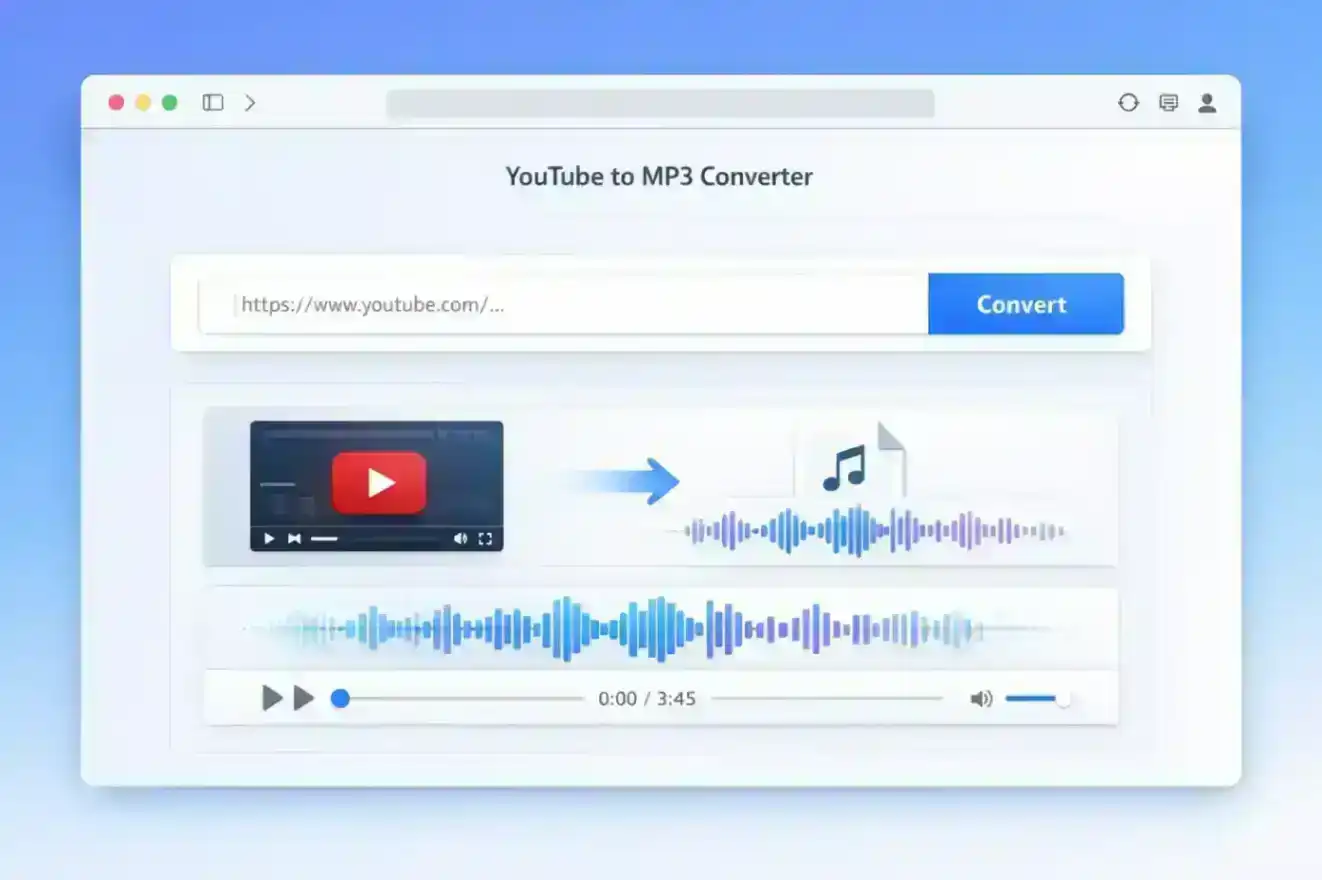
Online converters are the most popular option because they require no installation. Here's how they work:
- Copy the YouTube URL from your browser's address bar
- Paste it into the converter on the website
- Click convert and download the MP3 file
Pros:
- No software installation required
- Works on any device with a browser
- Usually free
Cons:
- Often filled with ads and pop-ups
- Quality can be inconsistent
- Some sites may contain malware
- File size limits (typically 100MB or less)
Method 2 — Use Desktop Software
Desktop applications like 4K YouTube to MP3 or command-line tools like yt-dlp offer more control and better quality.
Pros:
- Highest audio quality (can preserve original format)
- Batch download support
- More reliable and faster
- Better privacy (processed locally)
Cons:
- Requires installation and disk space
- Learning curve for command-line tools
- May need updates when YouTube changes
Method 3 — Use a Browser Extension
Browser extensions add a download button directly to YouTube's interface.
Pros:
- Most convenient option
- One-click downloads
- Integrated into YouTube
Cons:
- Extensions can be removed from browser stores
- May slow down your browser
- Limited features compared to desktop software
Method 4 — Use an AI-Powered Audio Extractor
Modern AI-powered tools like TurboCast's free AI Transcriber go beyond simple audio extraction. They use advanced AI speech recognition to not only extract the audio but also generate accurate text transcripts, summaries, and even podcast-style narrations.
Pros:
- Audio extraction + transcript + AI summary in one tool
- High-quality output with multiple export formats
- Safe and ad-free experience
- Supports batch processing
Cons:
- Requires account registration
- Free tier has daily limits
Is It Legal to Convert YouTube to MP3?
This is one of the most frequently asked questions, and the answer is nuanced.
YouTube's Terms of Service explicitly prohibit downloading content unless a download button is provided by YouTube itself. However, the legal reality is more complex.
Fair Use Considerations:
The concept of "fair use" in copyright law considers four factors:
- Purpose: Educational or personal use is more defensible than commercial use
- Nature: Factual content has more leeway than creative works
- Amount: Using a small portion is better than the whole work
- Market Effect: Does it harm the creator's ability to profit?
Practical Guidelines:
- ✅ Personal use: Downloading for offline listening during your commute is generally considered acceptable
- ✅ Creative Commons content: Videos with CC licenses explicitly allow downloading
- ❌ Commercial use: Selling or publicly distributing downloaded content is illegal
- ❌ Music piracy: Downloading copyrighted music to avoid paying for it violates copyright
⚖️ Legal Disclaimer: This guide is for educational purposes. Converting YouTube videos to MP3 for personal, non-commercial use is generally considered fair use in many jurisdictions, but you should always respect copyright and creators' rights. When in doubt, use YouTube Premium's official offline feature or purchase music from legitimate sources.
How to Download MP3 from YouTube for Free
If you're looking for free options, here's a comparison of the most popular tools:
| Tool | Type | Max Quality | Limits |
|---|---|---|---|
| TurboCast | Online AI Tool | Original | 3 free/day |
| yt-dlp | CLI Tool | Original | Unlimited |
| ClipGrab | Desktop App | 320kbps | Unlimited |
| Online converters | Web | 128-320kbps | Varies |
Common Pitfalls of Free Tools:
- Aggressive advertising: Pop-ups, redirects, and fake download buttons
- Bundled software: Desktop apps that try to install unwanted programs
- Low quality: Many free converters compress audio to 128kbps or lower
- Malware risk: Some sites distribute malicious software
Best Free Option:
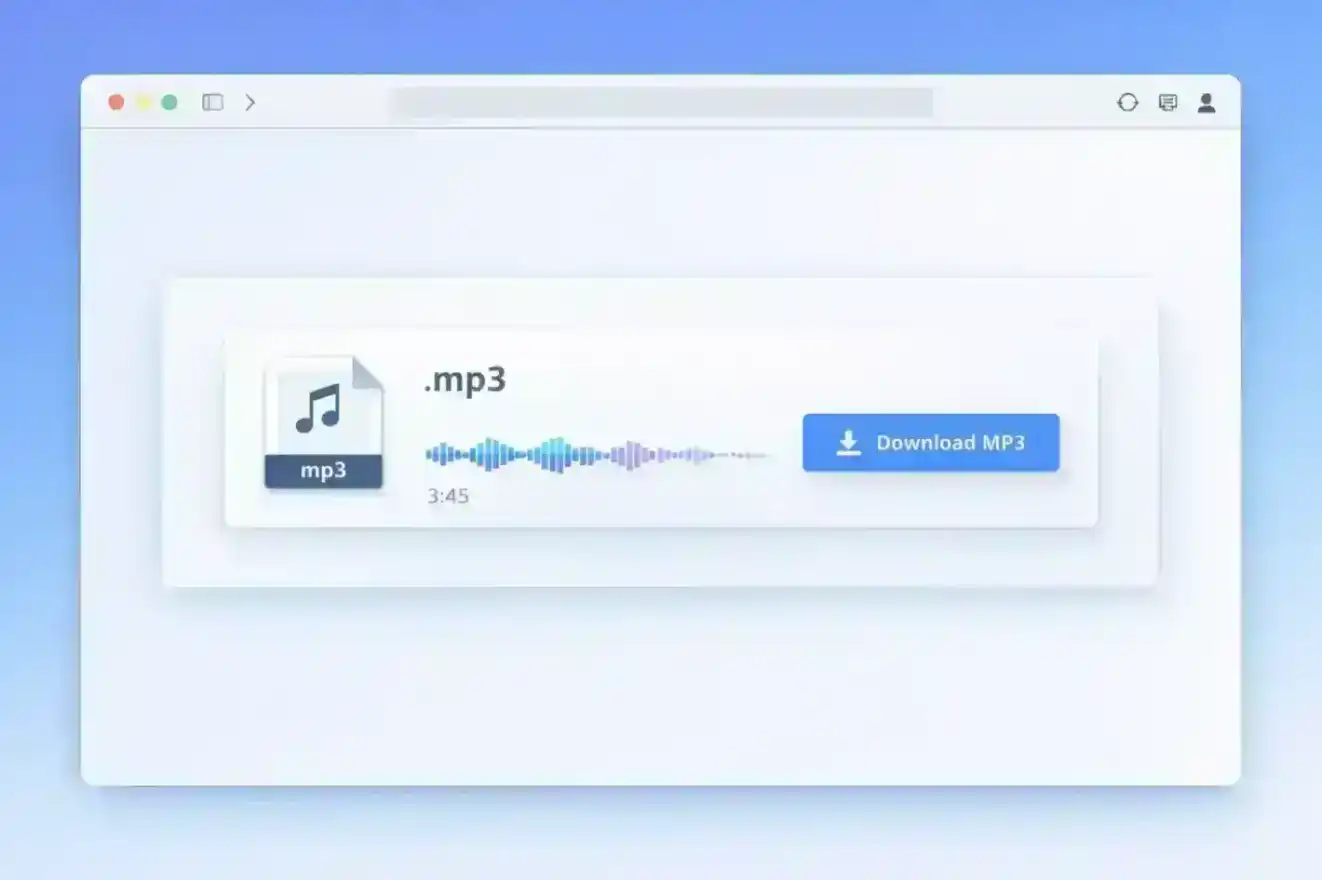
TurboCast offers 3 free extractions per day with no ads, high-quality output, and the bonus of getting a full transcript alongside your audio file.
How to Download YouTube Music to MP3
YouTube Music is Google's dedicated music streaming service, and it works differently from regular YouTube videos.
Key Differences:
- YouTube Music is designed for music streaming with curated playlists and recommendations
- Regular YouTube hosts user-uploaded videos including music, podcasts, lectures, and more
YouTube Premium's Offline Feature:
YouTube Premium subscribers can download videos and music for offline playback, but these downloads:
- Only work within the YouTube or YouTube Music app
- Are not actual MP3 files you can transfer
- Expire if you cancel your subscription
Copyright Considerations:
Music on YouTube Music is typically copyrighted material. While you can convert it to MP3 using the methods described in this guide, doing so for copyrighted music may violate copyright law unless you own the rights or have permission.
Legal Alternatives:
- Spotify Premium (offline downloads)
- Apple Music (offline downloads)
- Amazon Music Unlimited
- Purchasing music from iTunes or Bandcamp
YouTube to MP3 320kbps — How to Get the Best Audio Quality
Audio quality is measured in bitrate (kilobits per second, or kbps). Higher bitrate generally means better quality but larger file sizes.
Understanding Audio Bitrates
| Bitrate | Quality | File Size (per min) | Best For |
|---|---|---|---|
| 128 kbps | 🔊 Acceptable | ~1 MB | Podcasts, speech |
| 192 kbps | 🔊🔊 Good | ~1.5 MB | Casual listening |
| 256 kbps | 🔊🔊🔊 Great | ~2 MB | Music |
| 320 kbps | 🔊🔊🔊🔊 Best | ~2.5 MB | Audiophile |
Does YouTube Actually Offer 320kbps Audio?
Here's the truth: YouTube does not stream audio at 320kbps.
YouTube uses modern audio codecs:
- Opus codec: Typically 128-160 kbps for most videos
- AAC codec: Usually around 128 kbps
When a converter claims to provide "320kbps MP3," it's often upsampling the original audio. This means taking a 128kbps source and converting it to 320kbps, which doesn't actually improve quality—it just makes the file larger.
Think of it like this: You can't enhance a low-resolution photo by saving it at a higher resolution. The detail simply isn't there.
How to Choose the Right Quality for Your Needs
- Podcasts and speech content → 128kbps is perfectly fine
- Music for casual listening → 192-256kbps is ideal
- Archival purposes → Extract in original format (don't convert to MP3)
The best approach is to select "original quality" or "best available" in your converter tool, rather than forcing a specific bitrate.
How to Convert a YouTube Playlist to MP3
If you want to download multiple videos at once—like an entire course, music album, or podcast series—you'll need a tool that supports batch processing.
Common Use Cases:
- Educational course series (lecture playlists)
- Music albums uploaded as playlists
- Podcast episodes
- Conference talk series
Tools That Support Playlist Downloads:
- Desktop software: 4K YouTube to MP3 has excellent playlist support
- Command-line: yt-dlp can download entire playlists with a single command
- AI tools: Batch process multiple videos with TurboCast to get audio + transcripts for entire playlists
Typical Workflow:
- Copy the playlist URL (not individual video URLs)
- Paste into your converter tool
- Select quality settings
- Start batch download
- Wait for all files to process
Most tools will automatically name files based on video titles and add track numbers for easy organization.
Online vs Desktop: Which YouTube to MP3 Converter Should You Use?
The choice between online converters and desktop software depends on your specific needs. Here's a detailed comparison:
| Feature | 🌐 Online | 💻 Desktop |
|---|---|---|
| Installation | None | Required |
| Speed | Depends on server | Fast (local) |
| Batch download | Limited | Full support |
| Audio quality | Up to 320kbps | Original quality |
| Privacy | URL sent to server | Processed locally |
| Playlist support | Rarely | Usually |
| File size limit | Often under 100MB | No limit |
| Ads/malware risk | Higher | Lower |
When to Use an Online Converter
Choose online converters if you:
- Only need to convert videos occasionally
- Don't want to install software
- Are using a device where you can't install apps (work computer, tablet)
- Need a quick one-time conversion
When to Use Desktop Software
Choose desktop software if you:
- Convert videos frequently
- Need batch processing for playlists
- Want the highest possible quality
- Value privacy (local processing)
- Need advanced features like metadata editing
The Best of Both Worlds
Modern AI-powered tools like TurboCast AI Transcriber offer the convenience of online tools with the quality and features of desktop software. You get high-quality audio extraction, batch processing, and the added benefit of AI-generated transcripts and summaries—all through a web interface.
Are YouTube to MP3 Converters Safe?
Not all YouTube to MP3 converters are created equal. Some are legitimate tools, while others are fronts for malware distribution or aggressive advertising.
Common Risks:
- ⚠️ Malicious redirects and pop-ups: Fake download buttons that lead to ad pages
- ⚠️ Bundled software: Desktop apps that install unwanted programs
- ⚠️ Phishing sites: Fake converters designed to steal personal information
- ⚠️ Browser hijacking: Extensions that change your search engine or homepage
Safety Checklist:
- ✅ Check for HTTPS: Secure sites use encrypted connections
- ✅ Read user reviews: Check Reddit, Trustpilot, or tech forums
- ✅ Avoid "allow notifications" requests: Legitimate tools don't need browser notifications
- ✅ Use ad blockers: Protect yourself from malicious ads
- ✅ Stick to reputable brands: Use well-known tools with established reputations
Red Flags:
- Sites that require you to download a "special player" or "codec"
- Multiple fake download buttons
- Requests for personal information before downloading
- Suspicious file extensions (.exe when you expected .mp3)
How to Convert YouTube to MP3 on iPhone and Android
Mobile devices have different limitations and options compared to desktop computers.
On iPhone (iOS)
iOS is more restrictive about downloading files, but there are workarounds:
Option 1: Shortcuts App
- Use Apple's Shortcuts app with custom YouTube download shortcuts
- Requires some technical setup
- Works but can be unreliable
Option 2: Third-Party Apps
- Apps like Documents by Readdle can access online converters
- Open the converter website in the app's browser
- Download files directly to your iPhone
Limitation: iOS doesn't allow direct downloads to the Music library, so files stay in the Files app or third-party app storage.
On Android
Android is more flexible with file downloads:
Option 1: Online Converters
- Simply use any online converter in your mobile browser
- Downloads save directly to your device
- Can be moved to your music folder
Option 2: Third-Party Apps
- Apps like NewPipe (open-source YouTube client)
- Snaptube and similar apps (not on Play Store)
- More features but require sideloading
Advantage: Android allows direct access to the file system, so you can organize downloaded MP3s in your music folder and play them with any music app.
Beyond MP3 — Turn YouTube Videos into Transcripts and Podcasts
Here's where things get interesting. Modern AI technology allows you to do much more than just extract audio from YouTube videos.
🚀 Next-Level Content Extraction: Instead of just downloading an MP3, you can now get full text transcripts, AI-generated summaries, chapter markers, and even podcast-style narrations of any video content.
Get a Full Text Transcript of Any YouTube Video
Sometimes you don't need the audio at all—you need the text. This is incredibly useful for:
- Study notes: Convert lecture videos into readable notes
- Meeting minutes: Extract key points from recorded meetings
- Content creation: Repurpose video content into blog posts or social media
- Accessibility: Read content instead of watching/listening
- Quick scanning: Find specific information without watching the entire video
AI-powered speech recognition can generate a free transcript with TurboCast in minutes. Simply paste the YouTube URL, and you'll get:
- Accurate text transcription with timestamps
- Speaker detection for multi-person videos
- AI-generated summary of key points
- Chapter markers for easy navigation
- Export in multiple formats (TXT, SRT, VTT, PDF, DOCX)
Turn Any Video into a Podcast-Style Audio Explanation
This is where AI truly shines. Instead of just extracting the original audio, you can try the AI Podcast Generator to create a completely new audio experience:
- AI analyzes the video content using advanced speech recognition and natural language processing
- Generates a concise script that captures the key points
- Creates podcast-style narration with natural-sounding AI voices
- Customizable length and style (3-minute summary, 10-minute deep dive, educational style, etc.)
This is perfect for:
- Long educational videos you want condensed
- Technical content that needs clearer explanation
- Foreign language videos (get an English podcast version)
- Video content you want to listen to during commutes
Why AI Transcription Beats Simple MP3 Download
Here's a side-by-side comparison:
| Feature | MP3 Download | AI Transcriber |
|---|---|---|
| Audio file | ✅ | ✅ |
| Text transcript | ❌ | ✅ |
| AI summary | ❌ | ✅ |
| Chapter markers | ❌ | ✅ |
| Speaker detection | ❌ | ✅ |
| Export formats | MP3 only | MP3 + TXT + SRT + VTT + PDF |
| Podcast generation | ❌ | ✅ |
| Searchable content | ❌ | ✅ |
For students, professionals, and content creators, AI transcription tools provide far more value than simple audio extraction.
Frequently Asked Questions
Is it legal to convert YouTube videos to MP3?
Converting YouTube videos to MP3 for personal, non-commercial use is generally considered fair use in many jurisdictions. However, YouTube's Terms of Service prohibit downloading content. The legality depends on your location, the content's copyright status, and how you use the downloaded file. Always respect creators' rights and consider using YouTube Premium for official offline access.
What is the best YouTube to MP3 converter in 2026?
The "best" converter depends on your needs:
- For occasional use: Online converters like TurboCast (3 free per day)
- For frequent use: Desktop software like 4K YouTube to MP3 or yt-dlp
- For transcripts + audio: AI-powered tools like TurboCast AI Transcriber
- For privacy: Local tools like yt-dlp that process everything on your device
Can I convert YouTube to MP3 without installing software?
Yes, online converters allow you to convert YouTube to MP3 directly in your web browser without installing any software. Tools like TurboCast AI Transcriber work entirely online and even provide additional features like transcription and AI summaries.
What is the highest quality MP3 I can get from YouTube?
YouTube's audio is typically encoded at 128-160 kbps using the Opus or AAC codec. While converters may offer "320kbps MP3," this is usually upsampled and doesn't improve actual quality. For best results, choose "original quality" or "best available" settings, which preserve YouTube's source audio without unnecessary conversion.
How do I convert a YouTube link to MP3?
The basic process is:
- Copy the YouTube video URL from your browser
- Paste it into a YouTube to MP3 converter (online tool, desktop app, or AI transcriber)
- Select your quality preferences
- Click convert/download
- Save the MP3 file to your device
Can I download an entire YouTube playlist as MP3?
Yes, many tools support playlist downloads. Desktop software like 4K YouTube to MP3 and command-line tools like yt-dlp excel at this. Some online tools also support playlists, though they may have limits on the number of videos. Simply paste the playlist URL instead of an individual video URL.
Are free YouTube to MP3 converters safe to use?
Safety varies widely. Reputable tools like yt-dlp, 4K YouTube to MP3, and TurboCast are safe. However, many free online converters are filled with aggressive ads, pop-ups, and potentially malicious software. Always check for HTTPS, read user reviews, use ad blockers, and avoid sites that require downloading "special players" or provide suspicious files.
What's the difference between downloading MP3 and getting a transcript?
Downloading MP3 gives you just the audio file. Getting a transcript provides the text version of the spoken content, which is searchable, editable, and can be exported in multiple formats. AI transcription tools offer both: the audio file plus a full text transcript, summary, chapter markers, and more. Learn more about AI transcription and how it can enhance your content extraction workflow.
Start Converting YouTube to MP3 Today
Converting YouTube videos to MP3 is a straightforward process once you understand your options. Whether you choose an online converter for occasional use, desktop software for frequent conversions, or an AI-powered tool for enhanced features, the key is to prioritize safety, quality, and legality.
Remember:
- Always respect copyright and creators' rights
- Choose reputable tools to avoid malware
- Consider AI transcription for added value beyond simple audio extraction
- Use the right quality settings for your needs (don't blindly chase 320kbps)
Ready to get started? Try TurboCast AI Transcriber — Free, no credit card required. Extract audio, generate transcripts, create AI-powered podcast summaries, and more—all from a single YouTube URL.
If you're specifically looking for step-by-step instructions for Windows or Mac — including how to use yt-dlp, VLC, and batch playlist downloads — see our dedicated guide: How to Download YouTube to MP3 on PC: 5 Methods That Actually Work.
Wondering about the legal side of all this? We break down the actual law — YouTube's ToS, copyright rules, and what the real risk is for individual users — in: Is It Legal to Convert YouTube to MP3? The Honest Answer.